How to Boot into Safe Mode
Safe Mode starts Windows with a minimal set of drivers and startup programs. It's the go-to environment for troubleshooting crashes, bad drivers and malware, and it's required before running tools like DDU.
Tip: To leave Safe Mode later, repeat these steps and uncheck "Safe boot", then restart.
Open Run
Press Windows + R to open the Run dialog.
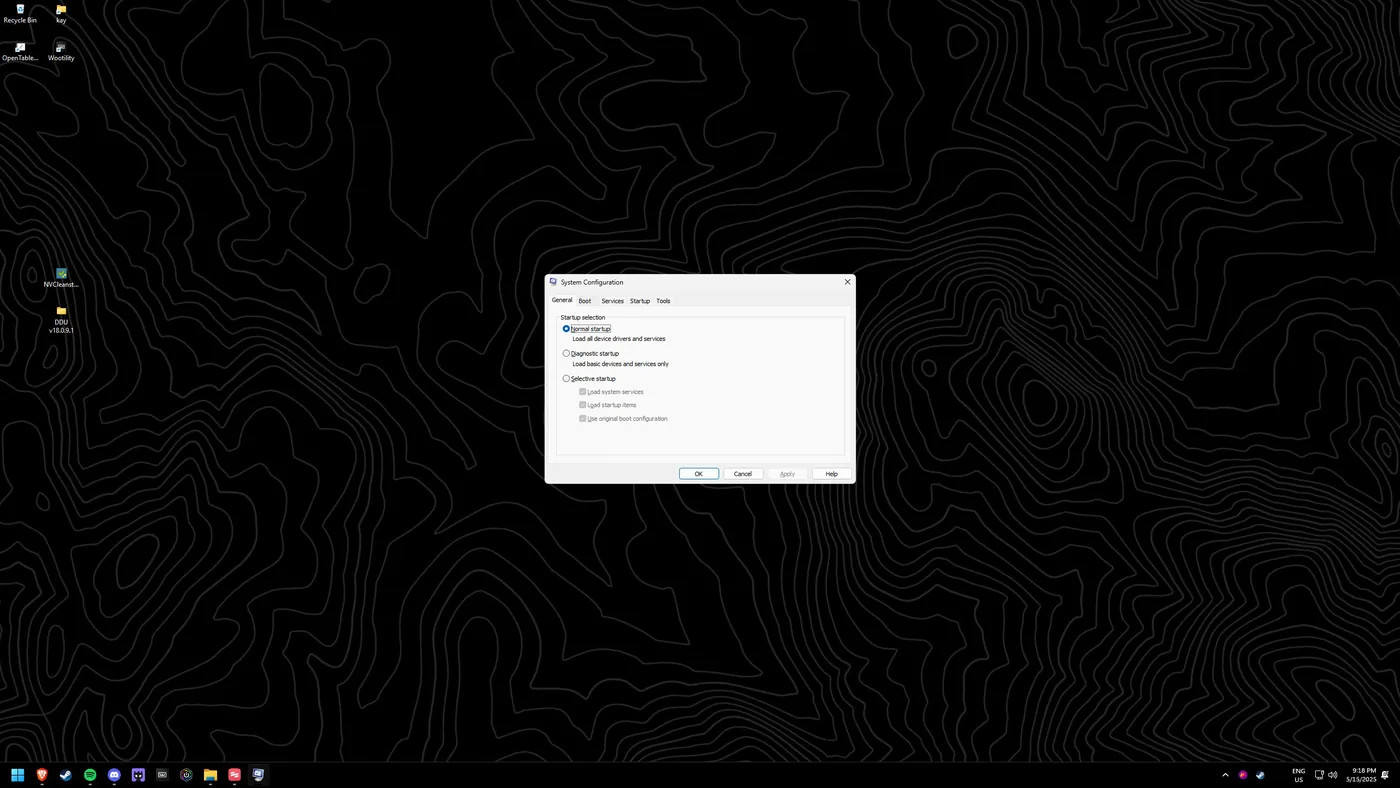
Launch msconfig
Type "msconfig" and press Enter (or click OK) to open System Configuration.
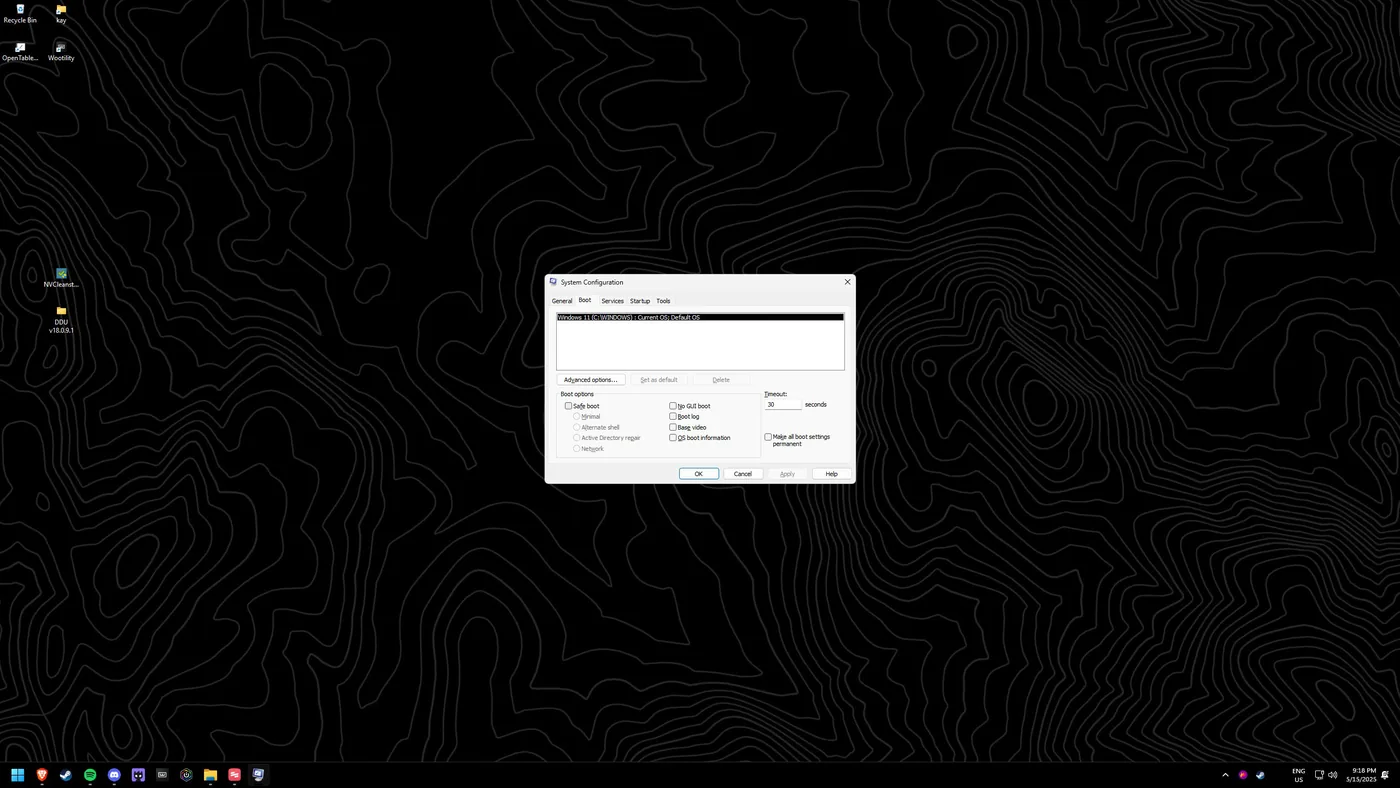
Open the Boot tab
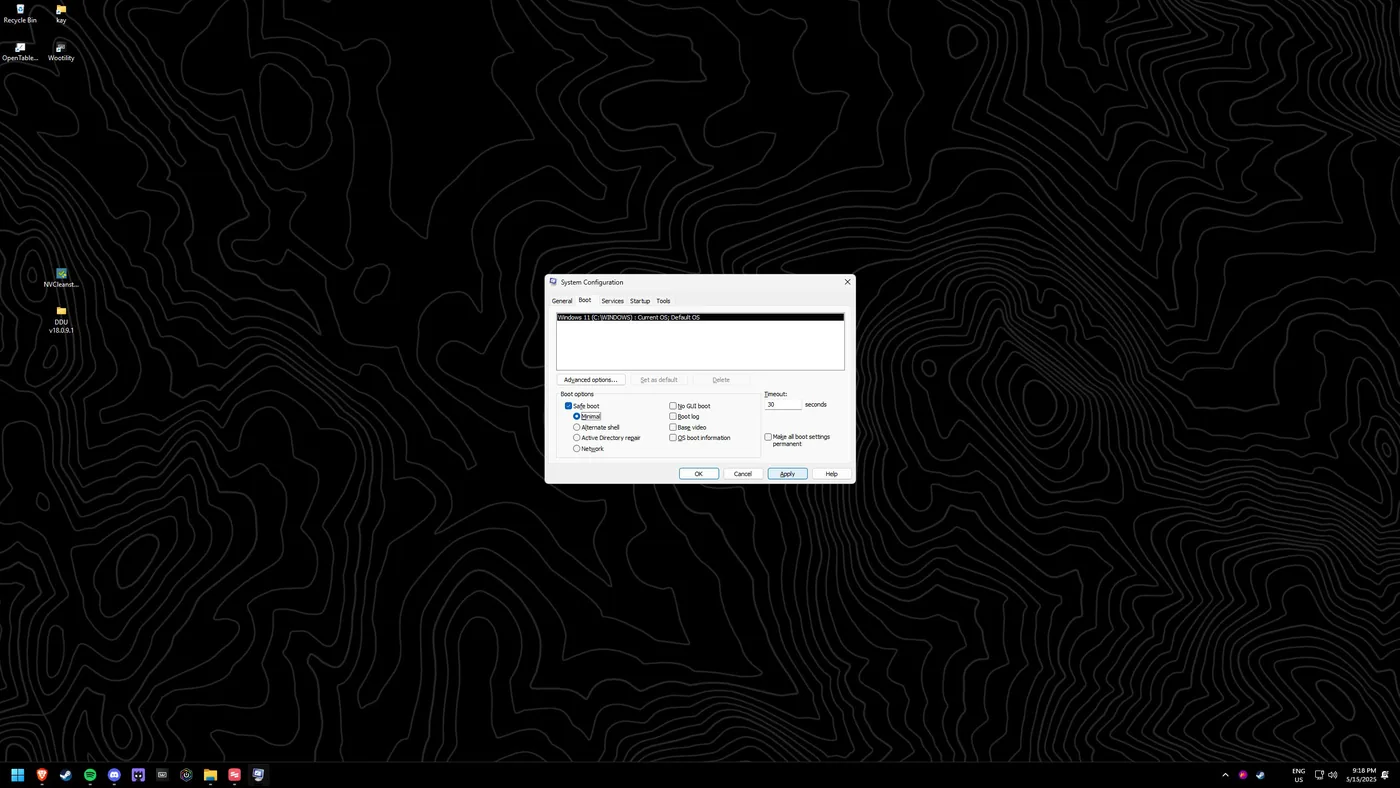
Navigate to the "Boot" tab.
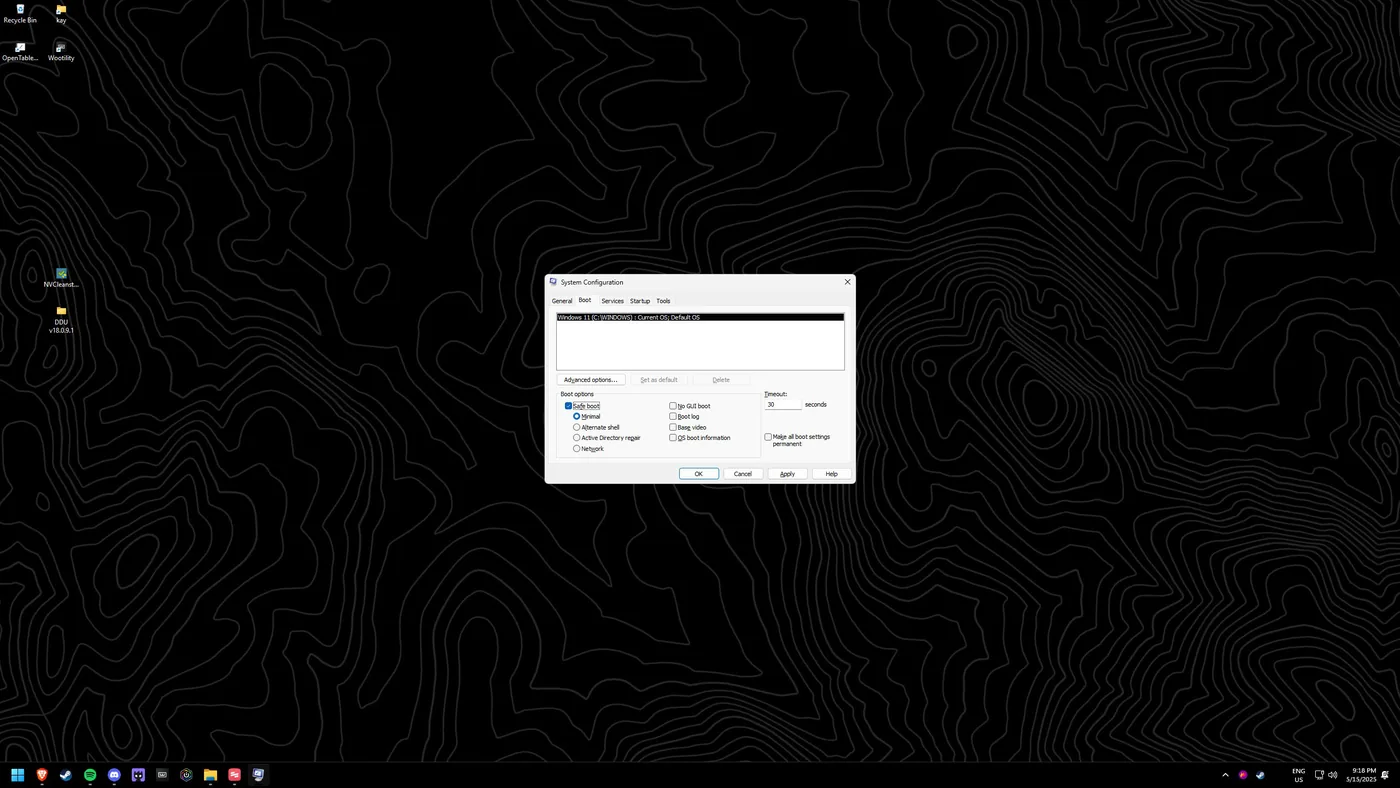
Enable Safe boot
Check "Safe boot" and make sure "Minimal" is selected.
Apply your changes
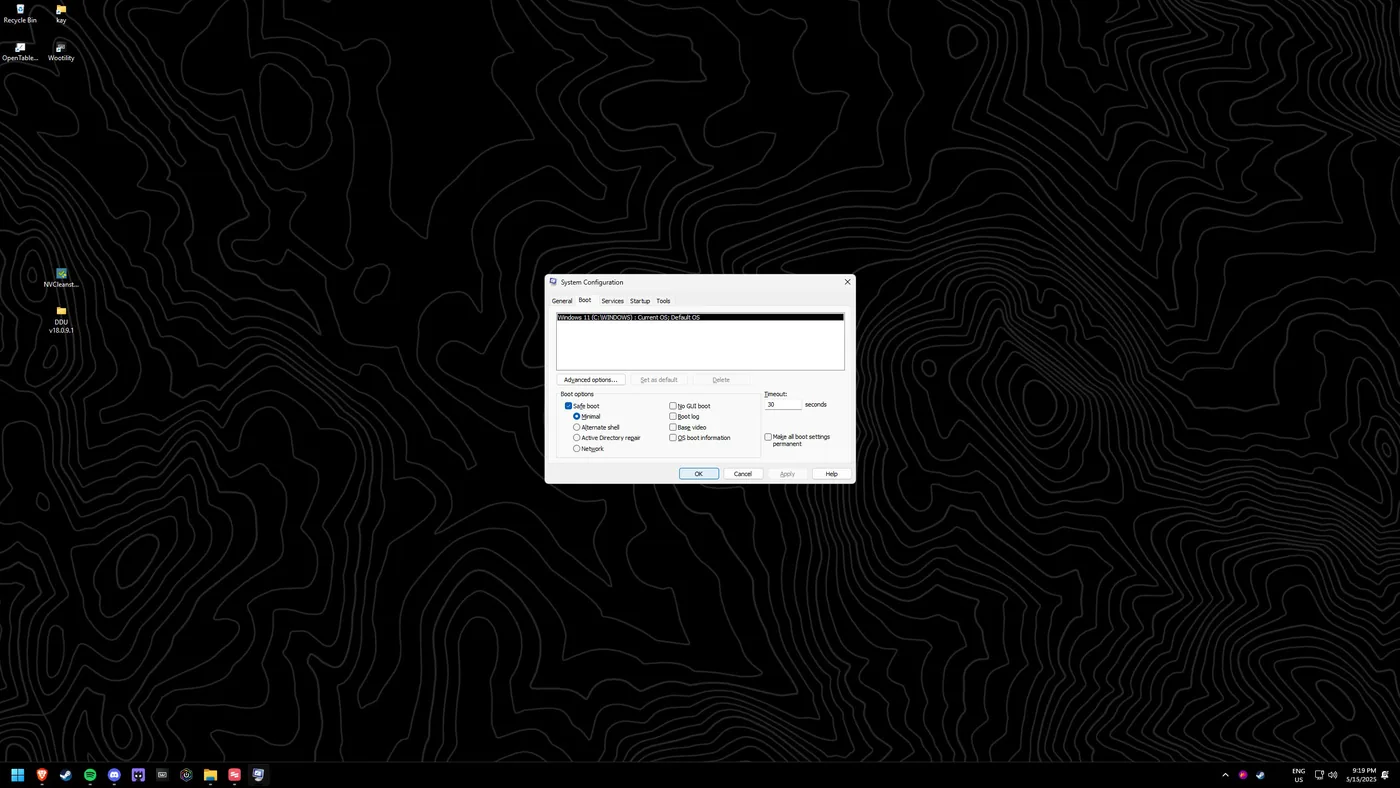
Click "Apply", then "OK".
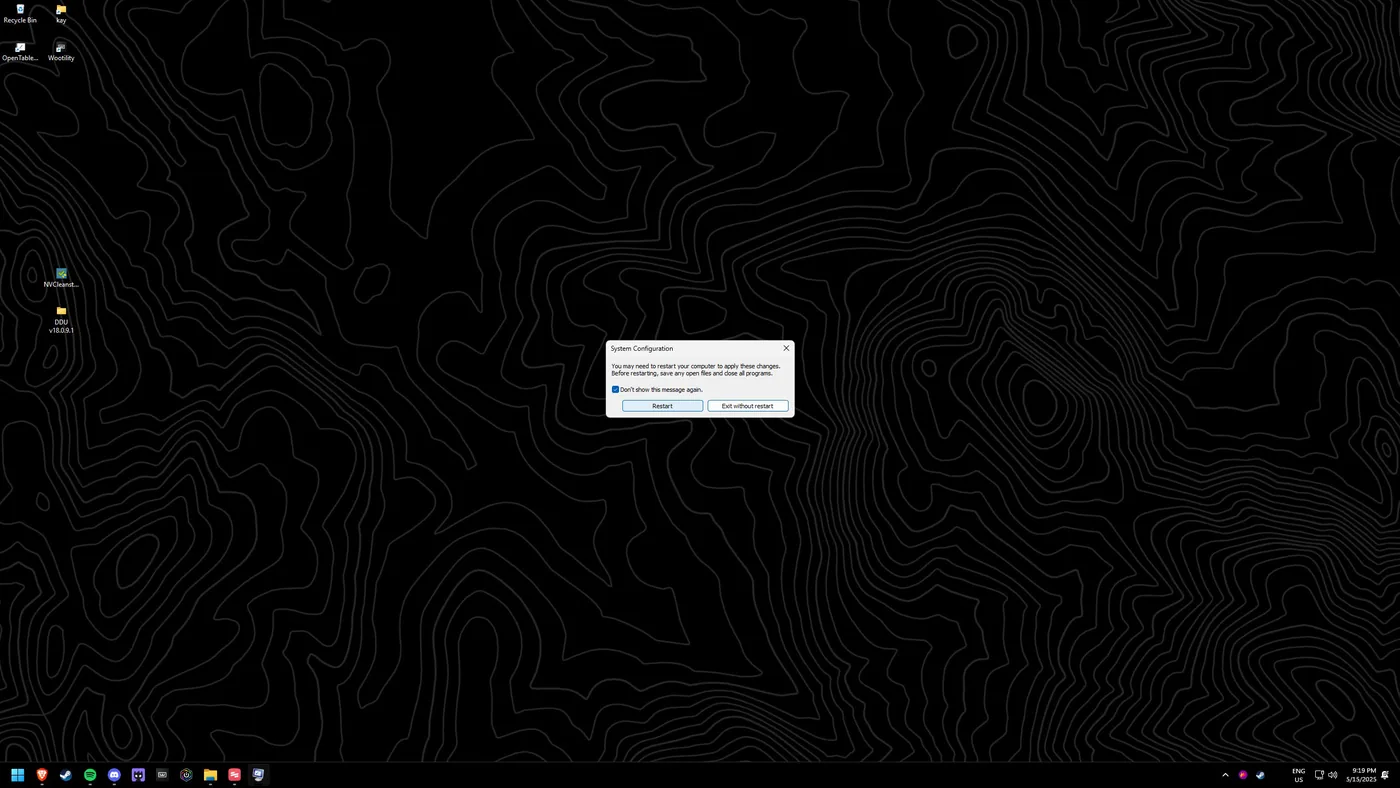
Restart
Click "Restart". Windows will boot into Safe Mode.