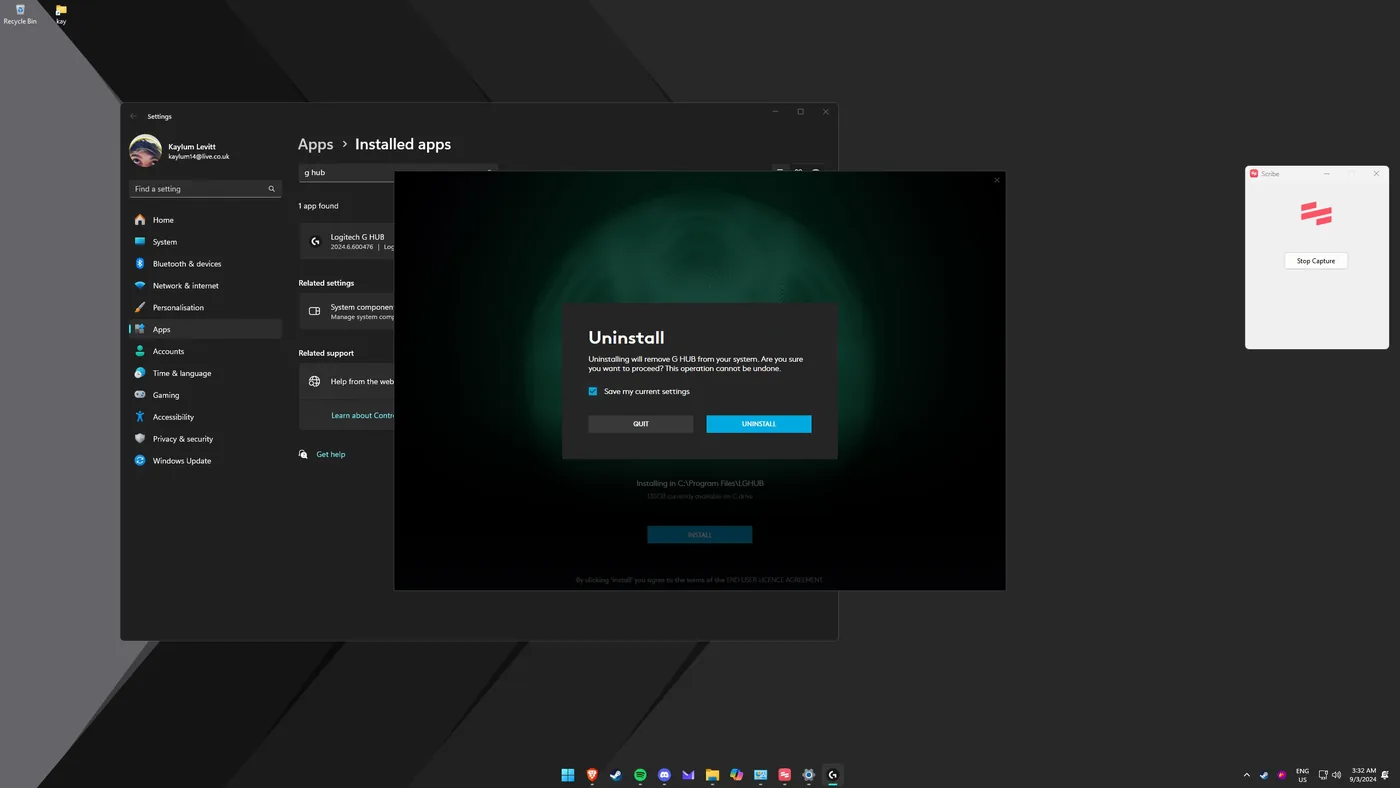
Enabling DTS Headphone:X Alongside Logitech G Hub
DTS Headphone:X delivers convincing virtual surround for gaming and media. This gets it working alongside Logitech G Hub by cleanly reinstalling G Hub so the two cooperate, without losing your existing profiles.
Tip: Checking "Save my current settings" during uninstall means your G Hub profiles come back after reinstalling, so you don't lose your per-game configs.
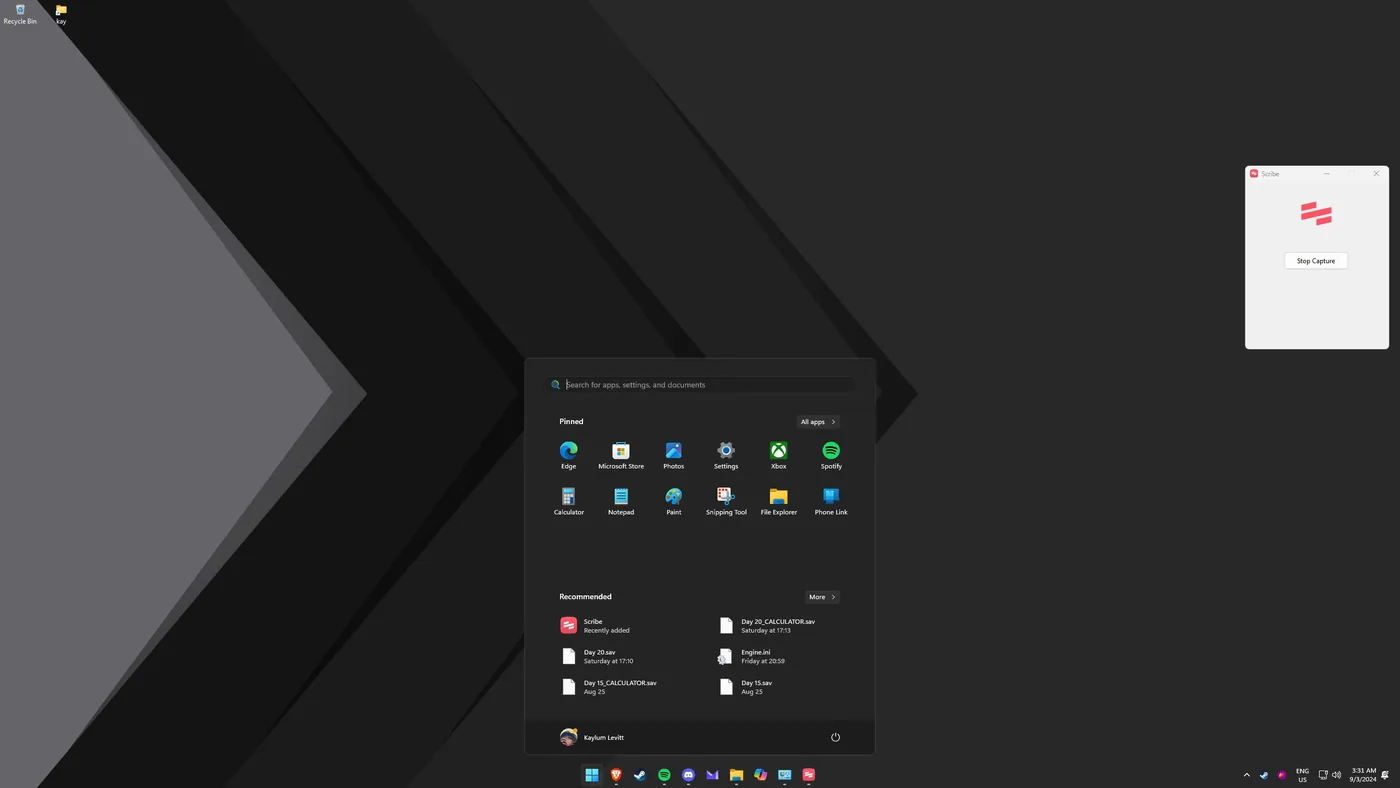
Open the Start menu
Open your Start menu.
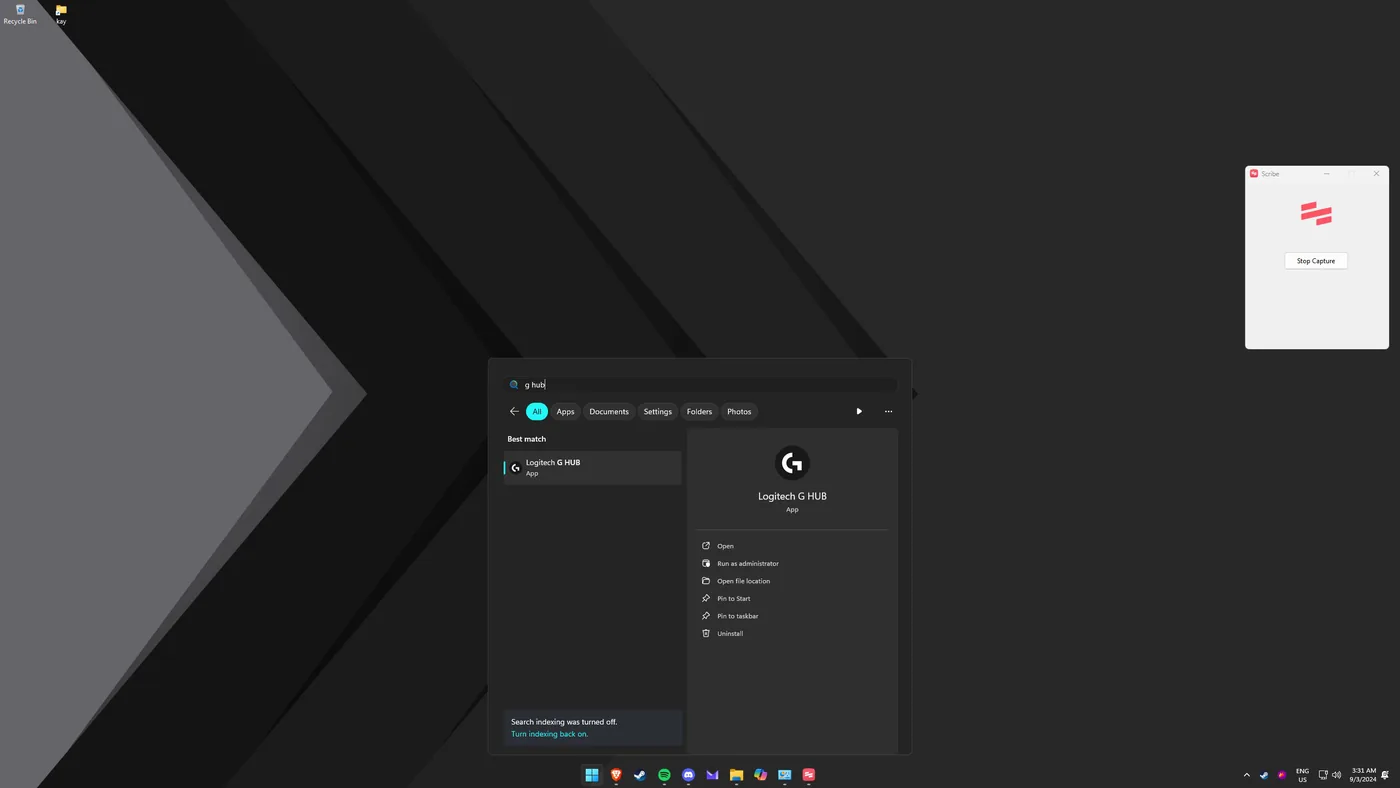
Find G Hub
Search for "G Hub".
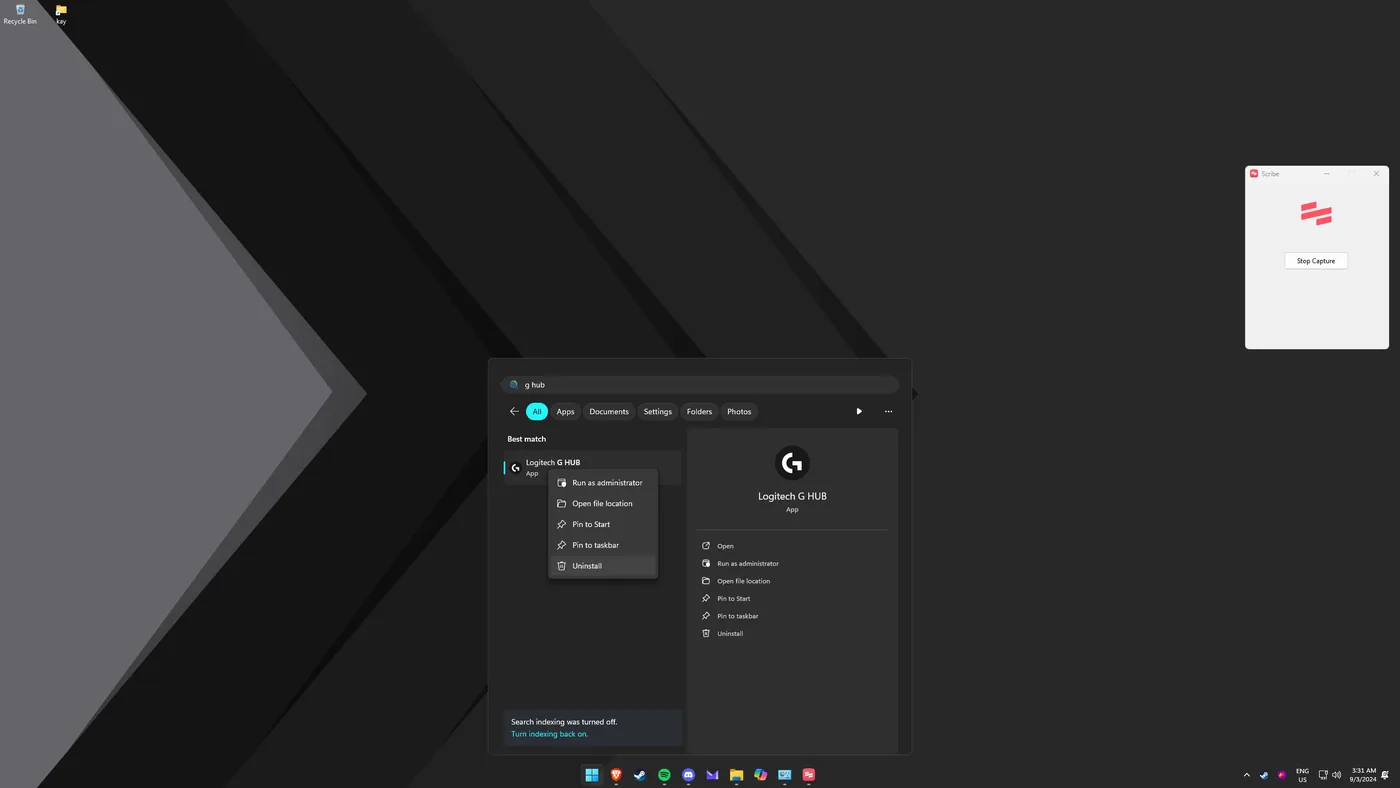
Choose Uninstall
Select "Uninstall".
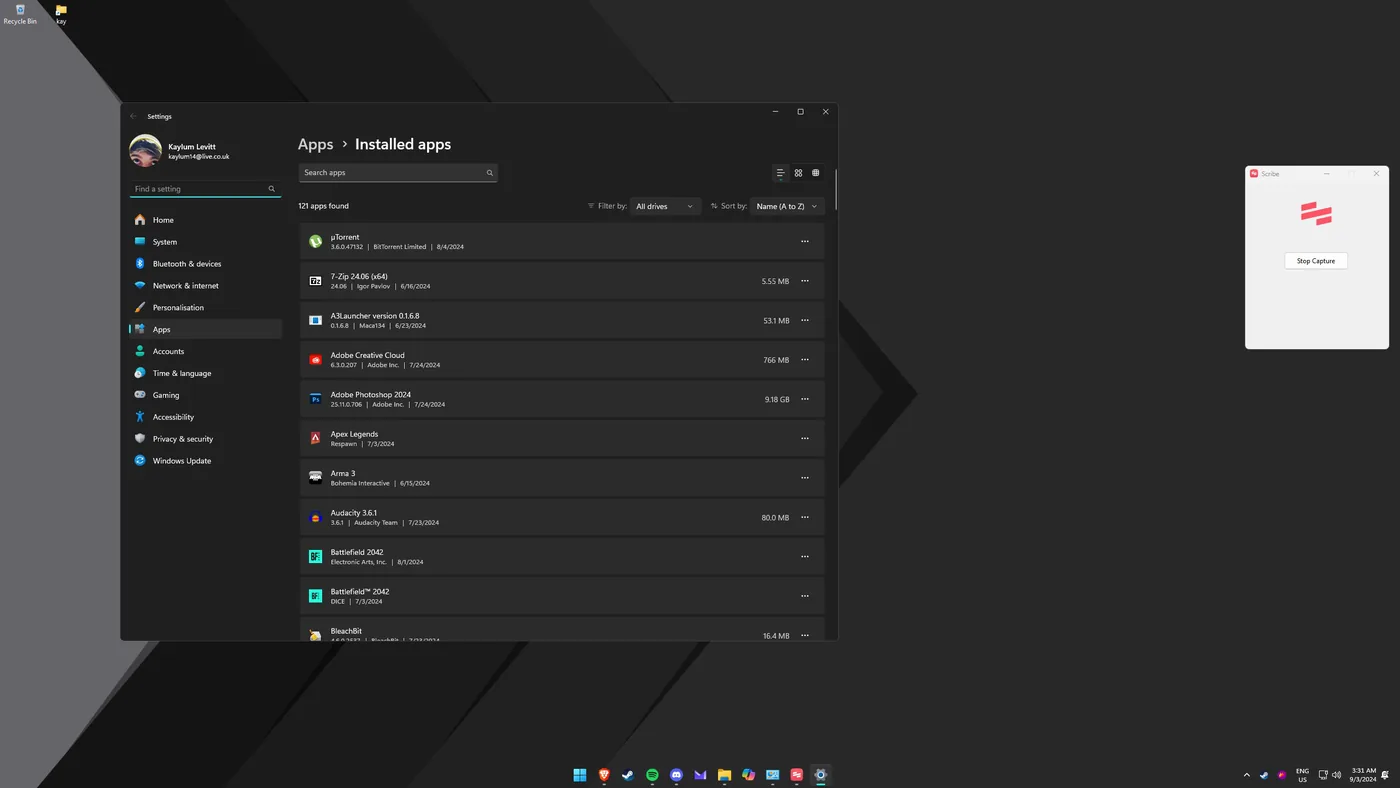
Locate G Hub in the apps list
In the uninstaller / apps list, find G Hub.
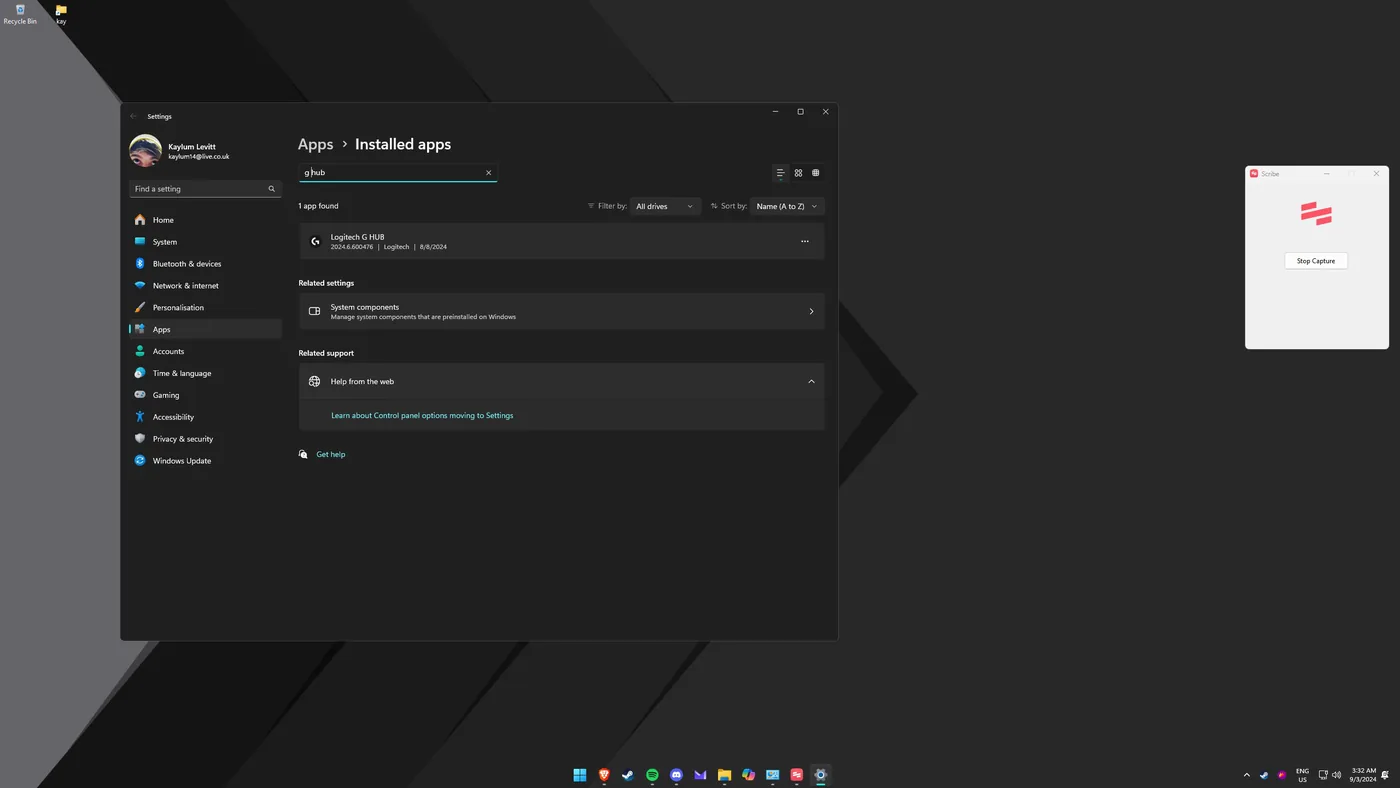
Open More options
Click "More options".
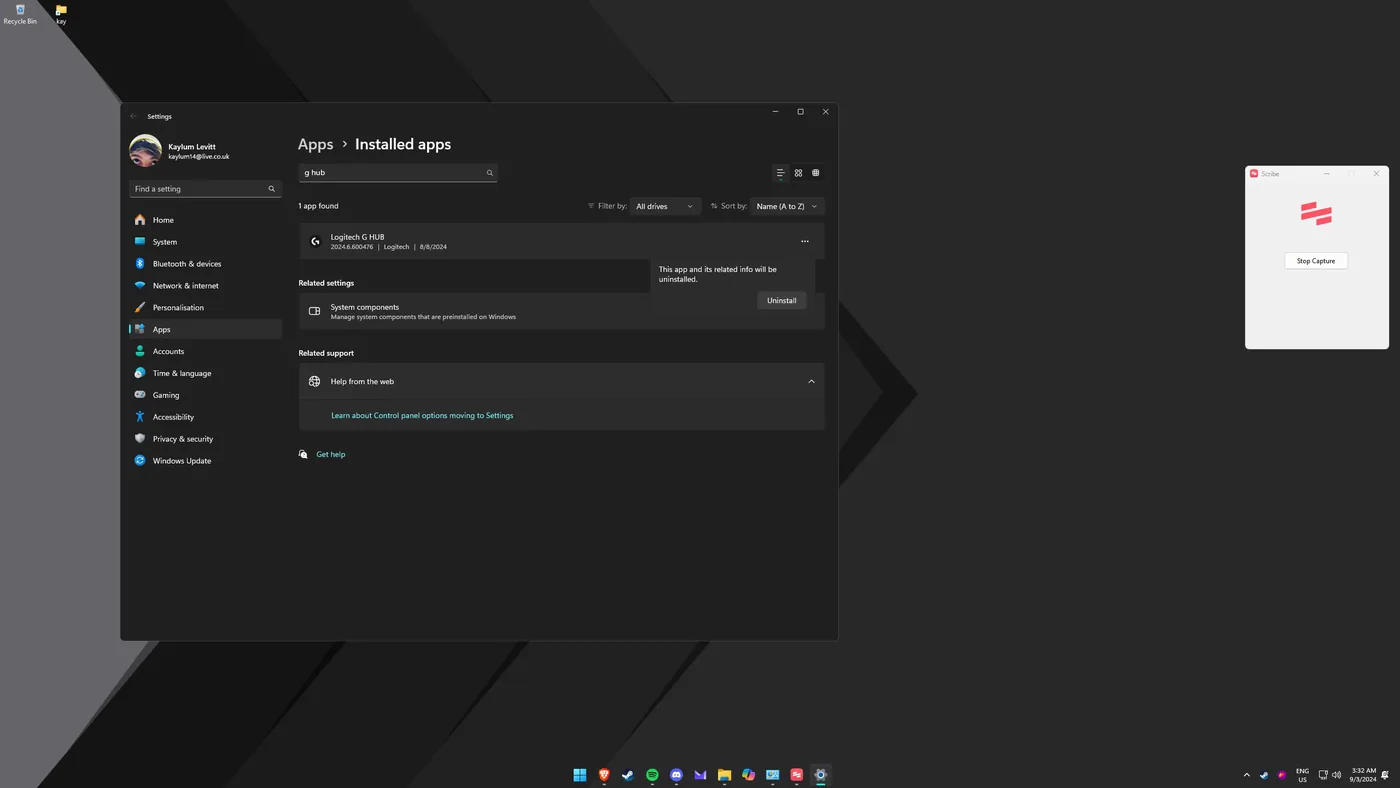
Uninstall
Click "Uninstall".
Save settings, then reinstall
Check "Save my current settings". Once removed, reinstall G Hub and install DTS Sound Unbound. G Hub restores your saved settings, and DTS Headphone:X is now available.