How to Disable All Mods on Arma 3
Disabling all mods returns Arma 3 to vanilla in seconds - handy for troubleshooting mod conflicts, joining vanilla servers, or isolating a performance issue.
Close Arma 3
Fully close the game if it's currently running.
Open the Mods tab
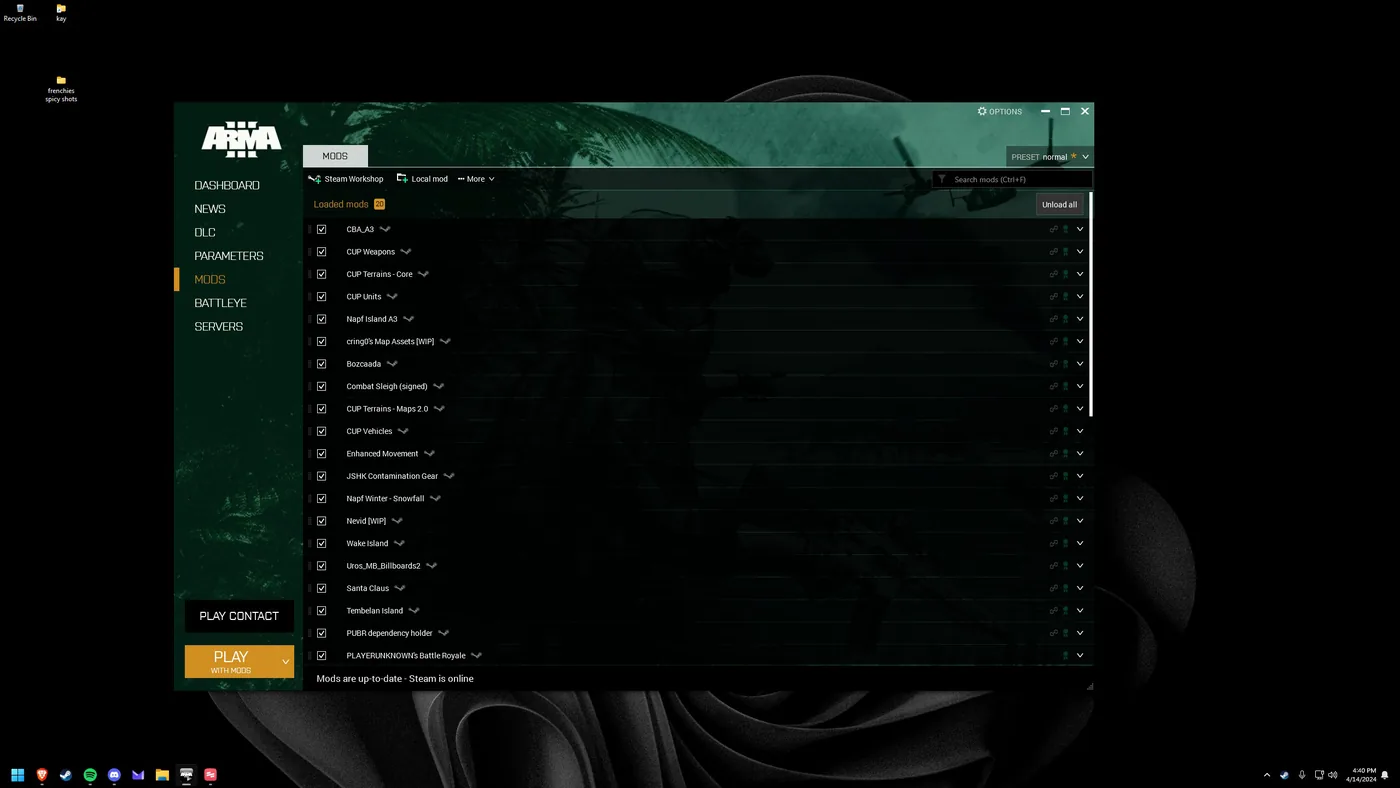
Re-open the Arma 3 launcher and select "Mods".
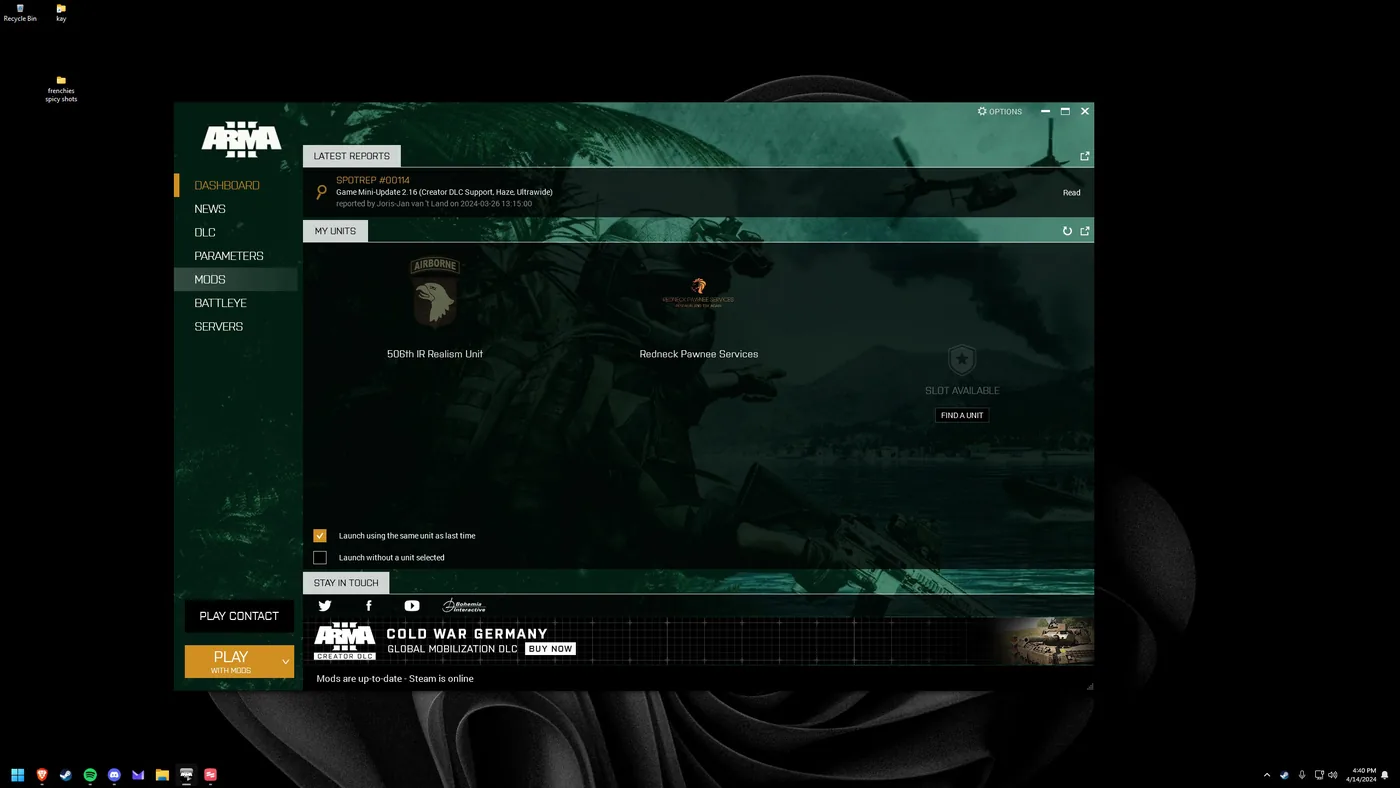
Unload all mods
Hit "Unload All" to disable every active mod at once.
Launch vanilla
Start the game - you're now running base Arma 3 with no mods. Re-enable them any time by reloading your preset.