Installing and Using Ani-Cli on Windows
Ani-Cli is a command-line tool for streaming anime ad-free. It was originally built for Linux, so on Windows it needs Git Bash plus the Windows developer tools enabled.
Warning: This requires Git / Git Bash installed first - follow my Git / Git Bash guide, then come back. You'll also enable Windows Developer Mode and Sudo below.
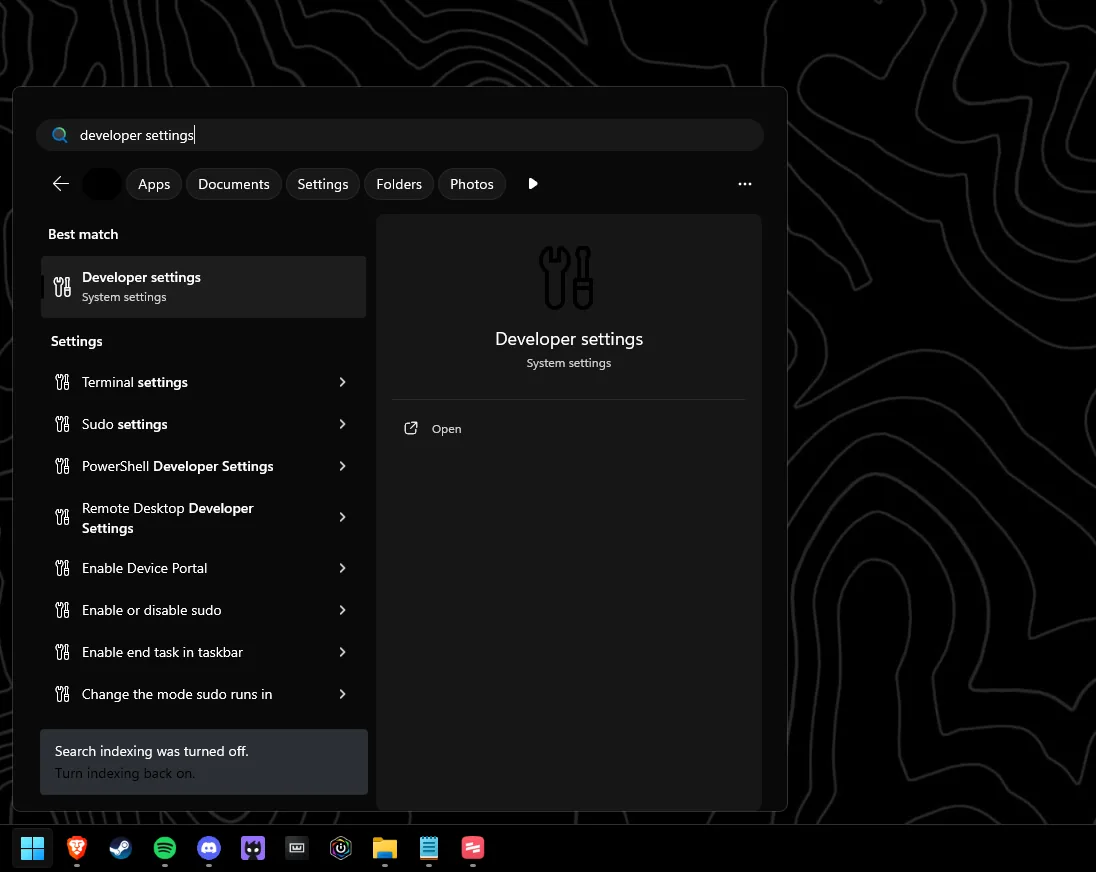
Open Developer settings
Open Windows Search and open "Developer settings".
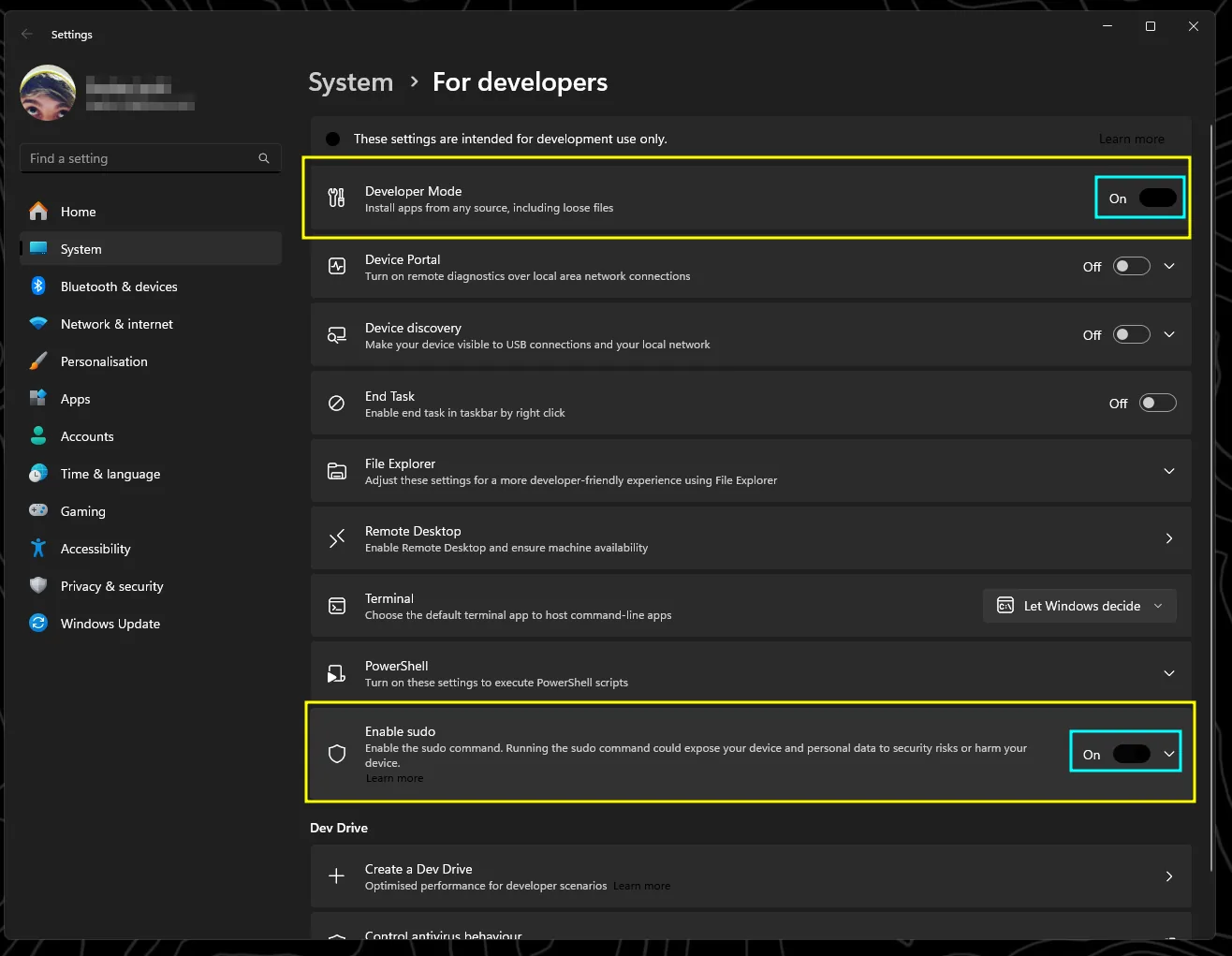
Enable developer tools and Sudo
Enable Windows Developer Mode and Sudo.
Open Windows Terminal
Close that window and open Windows Search again, then open Windows Terminal (or press Win + X and select "Terminal").
Install Scoop and Ani-Cli
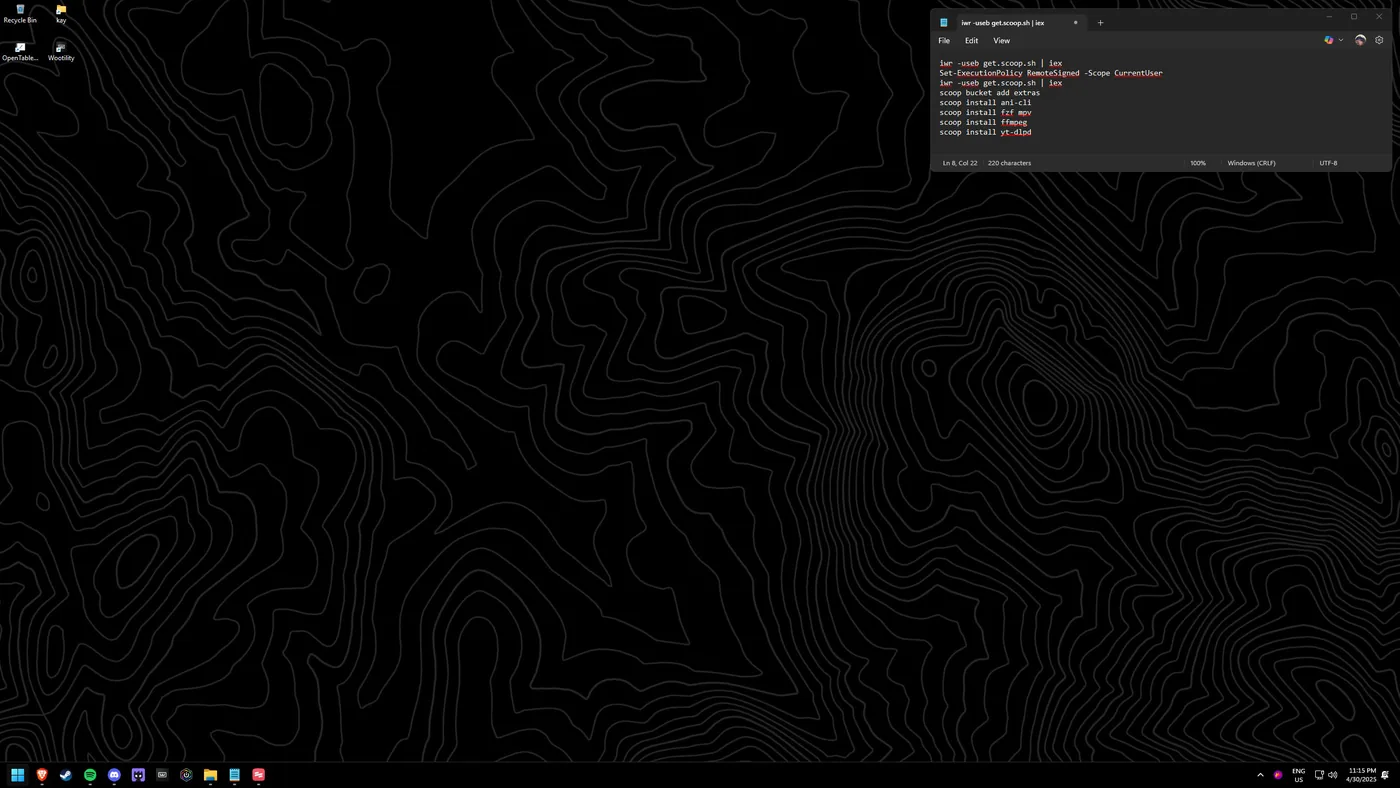
Paste the following commands one at a time, pressing Enter after each and letting it finish before the next:
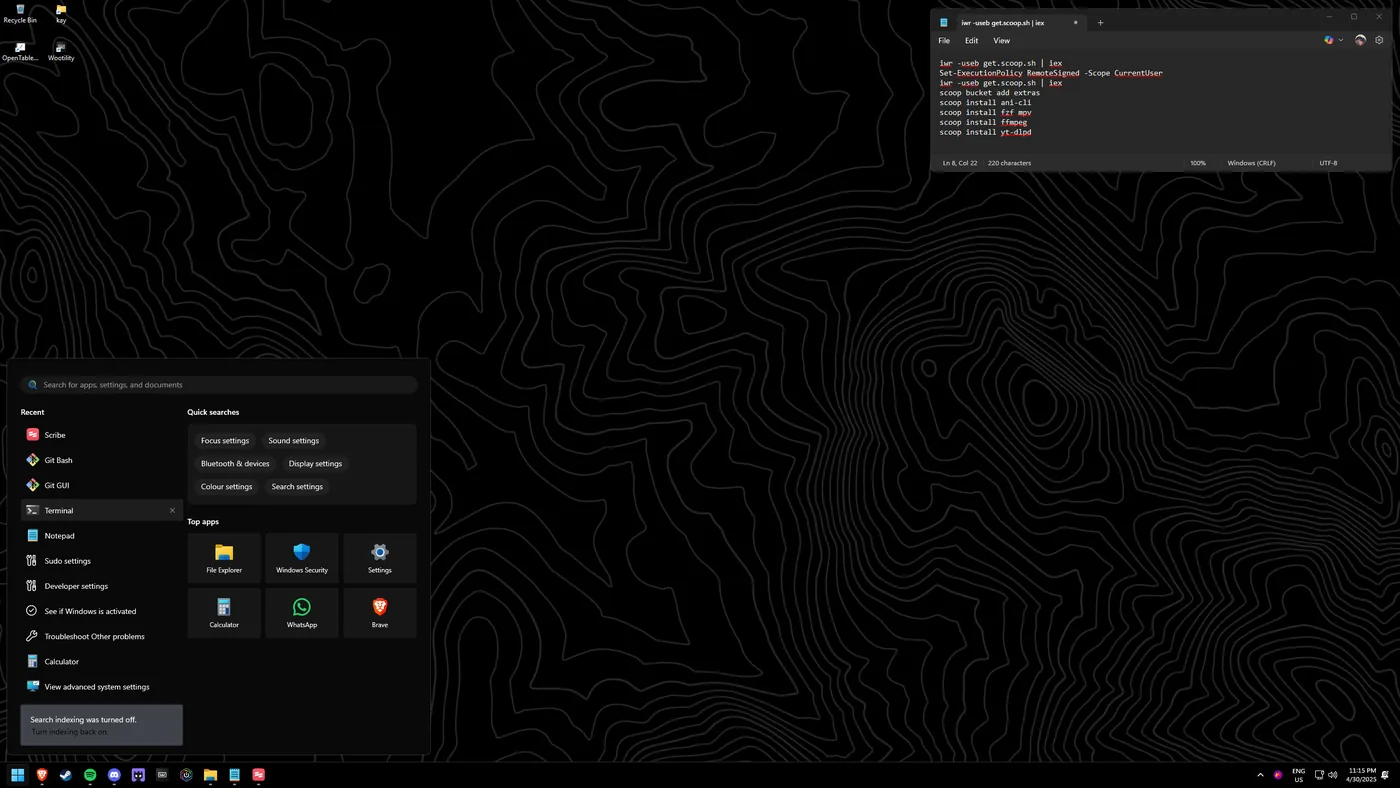
Set-ExecutionPolicy RemoteSigned -Scope CurrentUseriwr -useb get.scoop.sh | iexscoop bucket add extrasscoop install ani-cliscoop install fzf mpvscoop install ffmpegscoop install yt-dlp
Run Ani-Cli
You're set up. Run "ani-cli" in the terminal and enjoy ad-free streaming with searchable, customisable options.