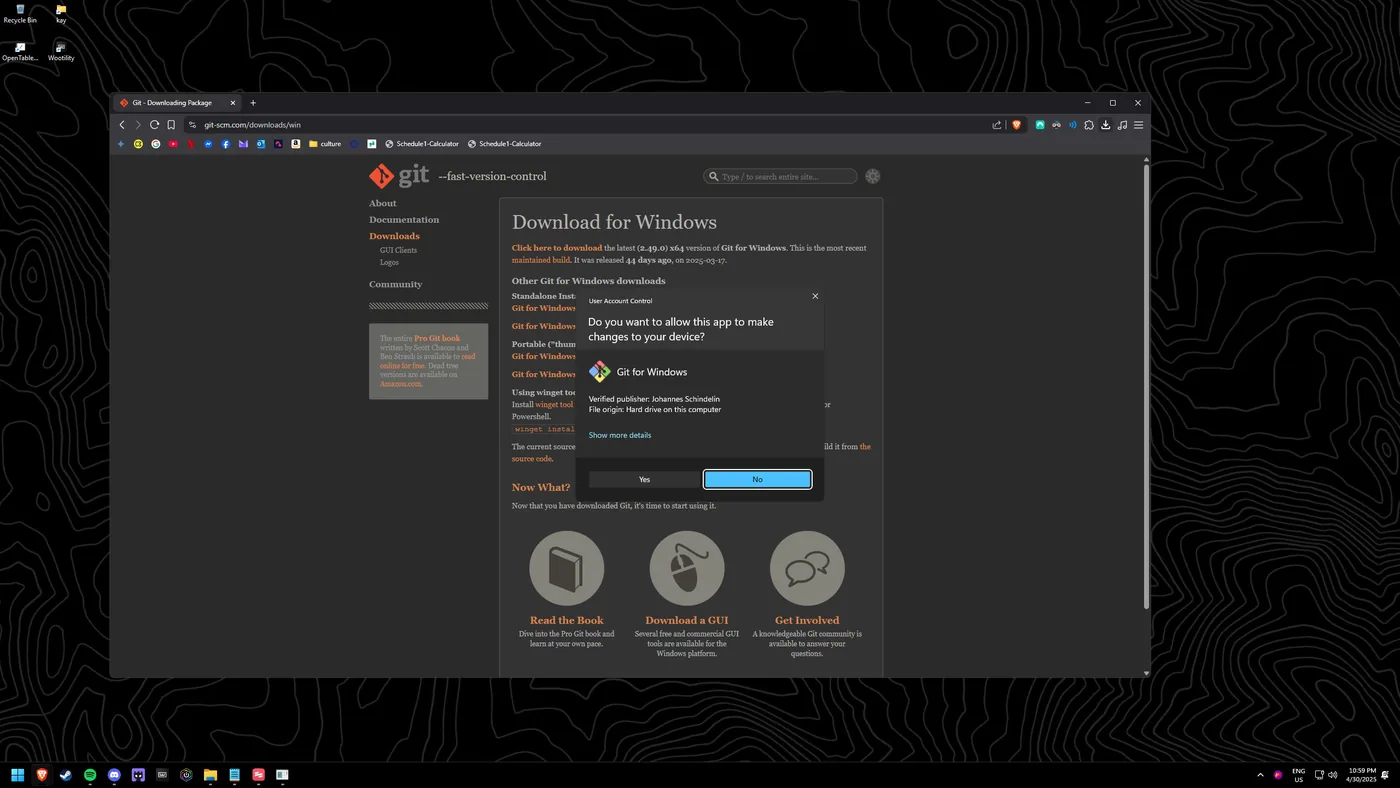
Installing Git / Git Bash on Windows
Git and Git Bash are essential developer tools. Git Bash also gives you a Unix-style terminal on Windows that some of my other guides (like Ani-Cli) depend on.
Tip: The default installer options are right for almost everyone. Unless you have a specific reason, just keep clicking Next.
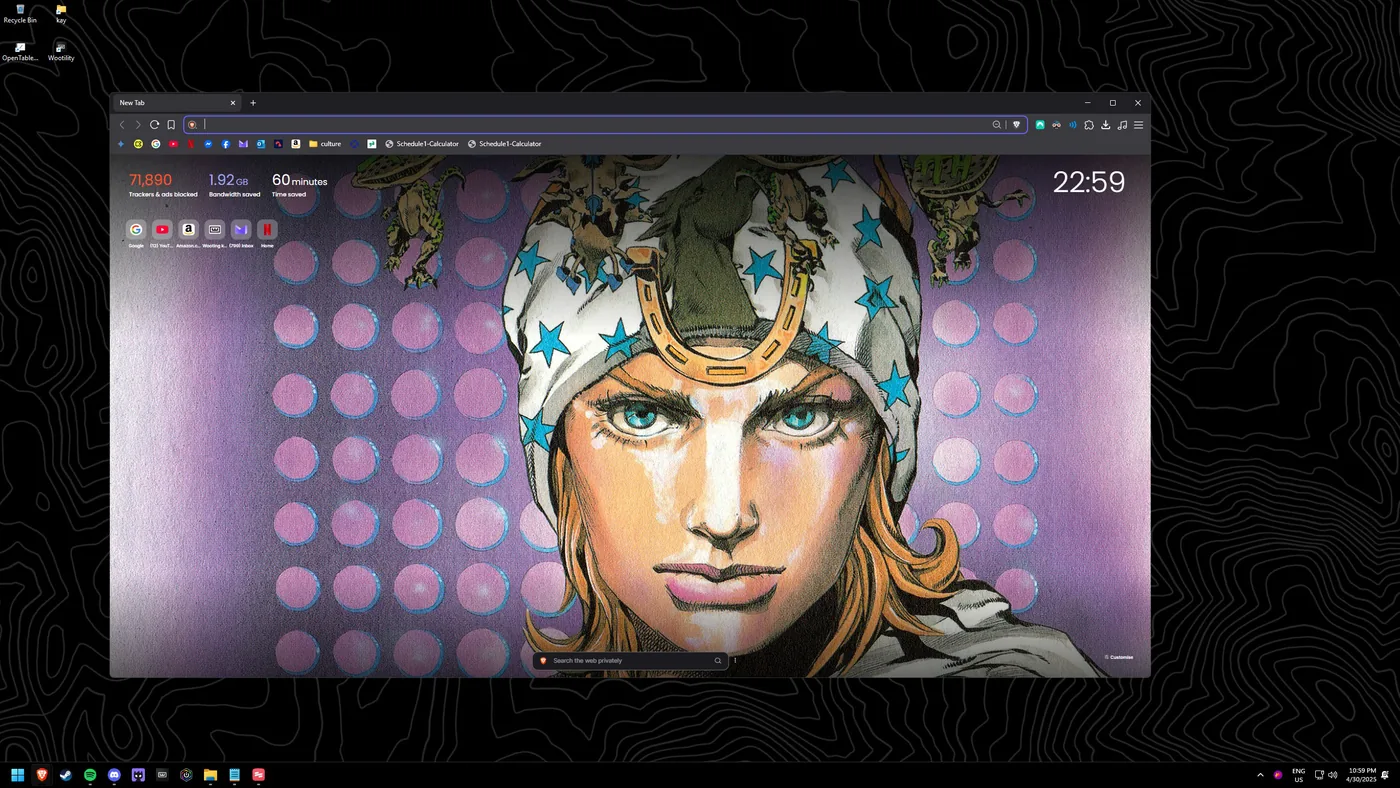
Search for Git
Perform a Windows search for "GIT".
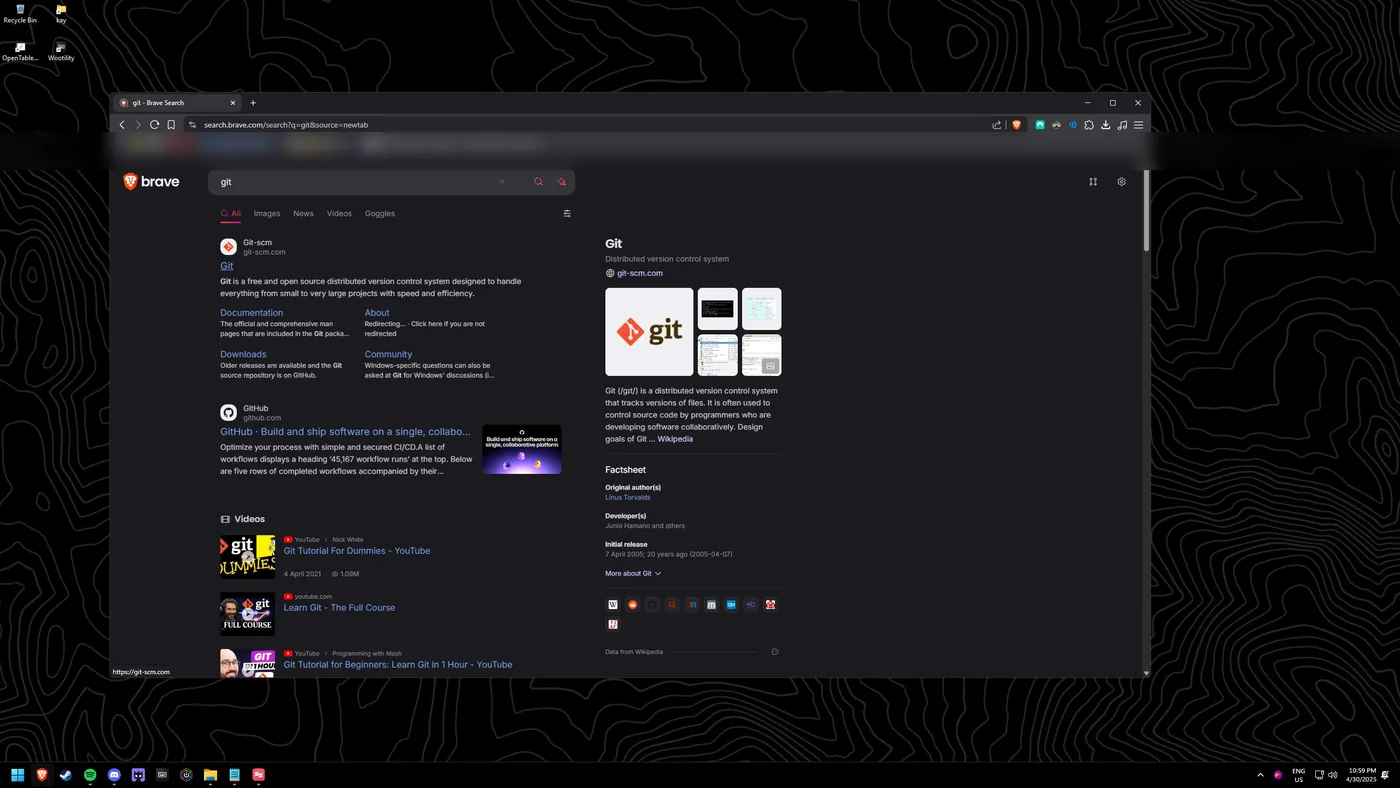
Open git-scm
git-scm.com will be the first result; open it.
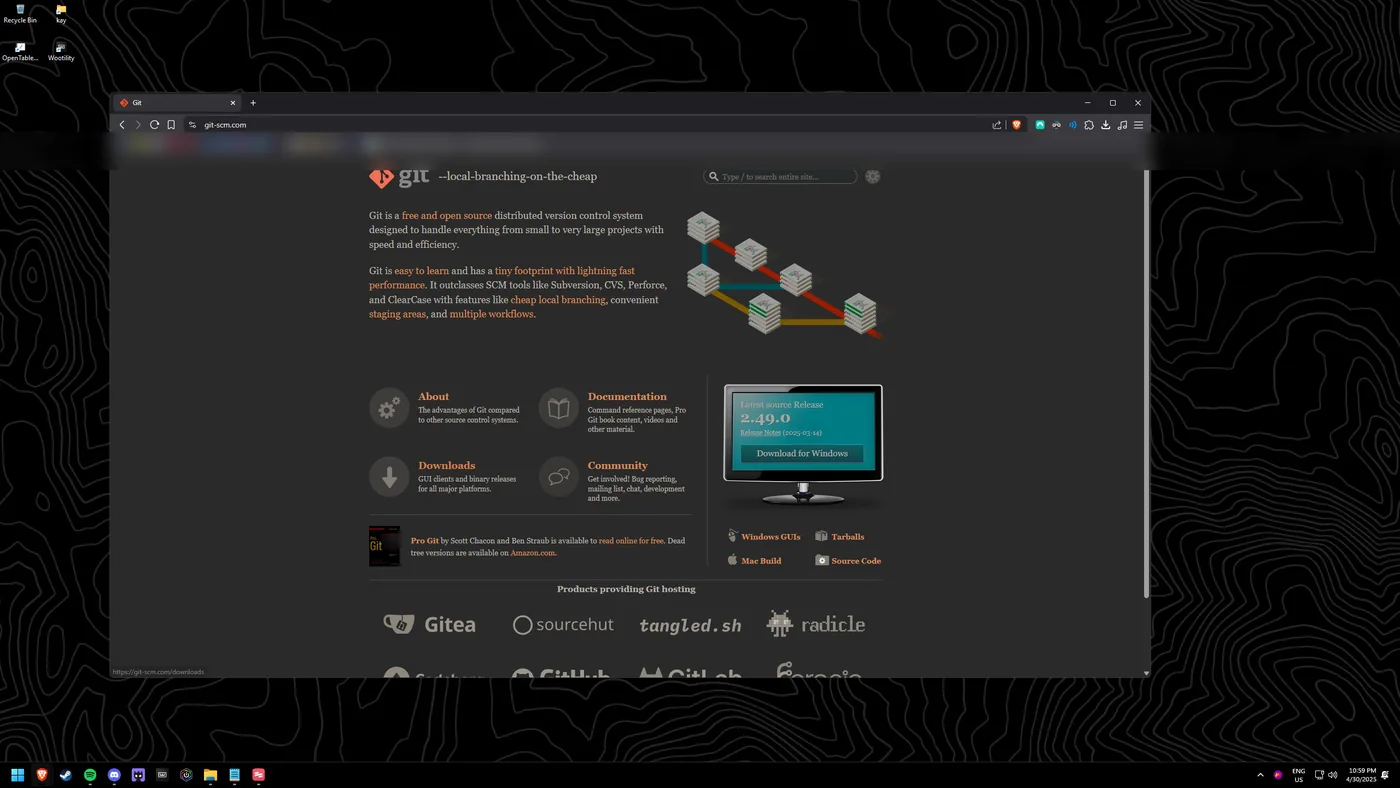
Go to Downloads
Head to their downloads page.
Choose Windows
Select the download for Windows.
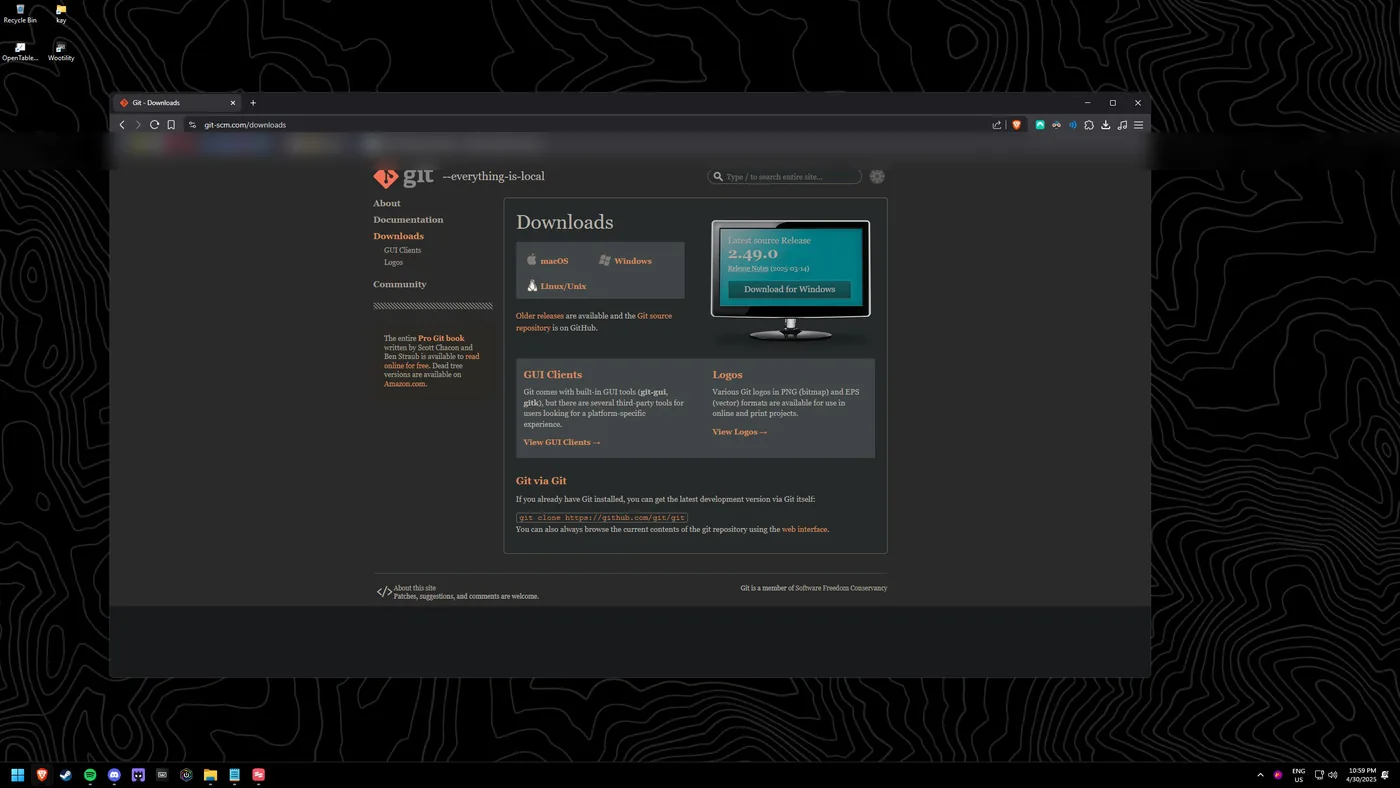
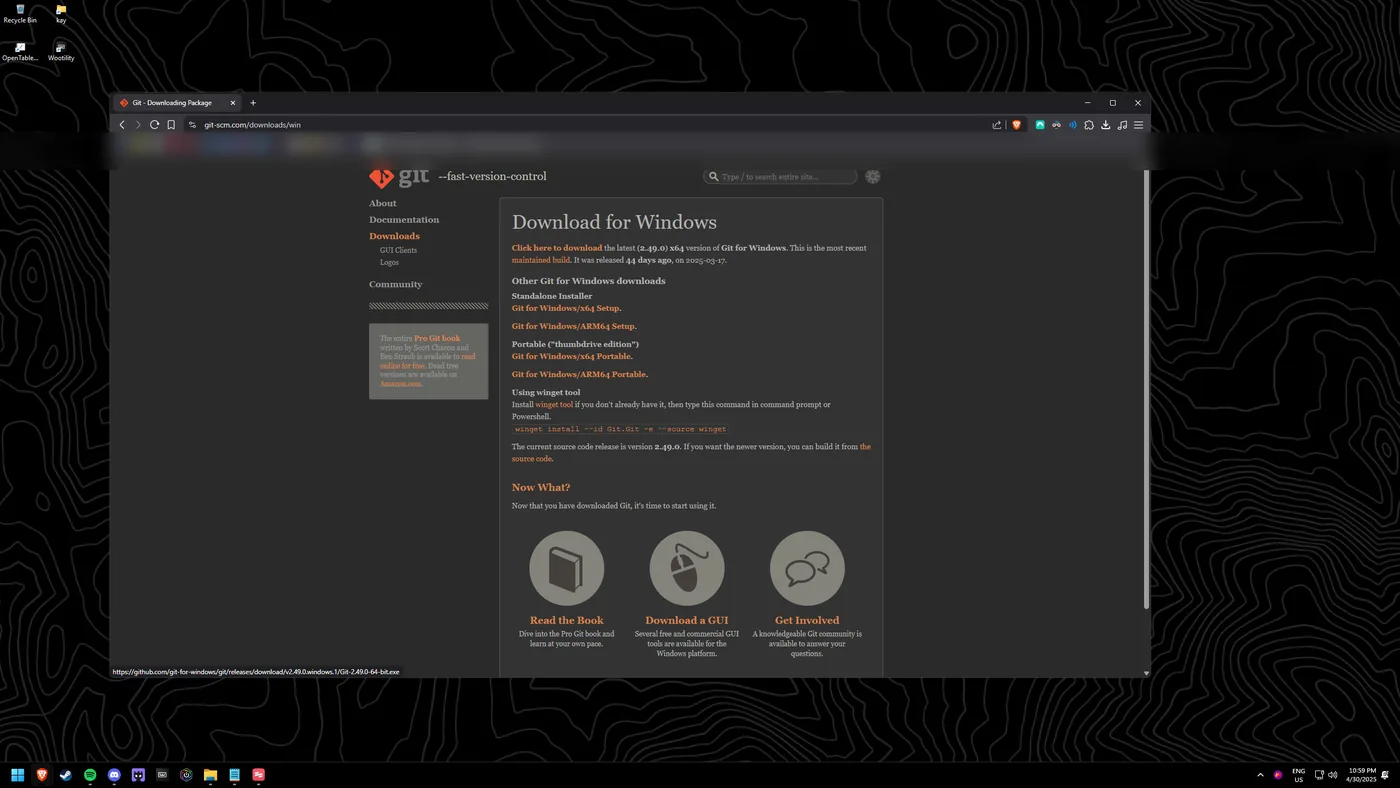
Download the installer
Pick the version under "Click here to download", or the top "Standalone installer".
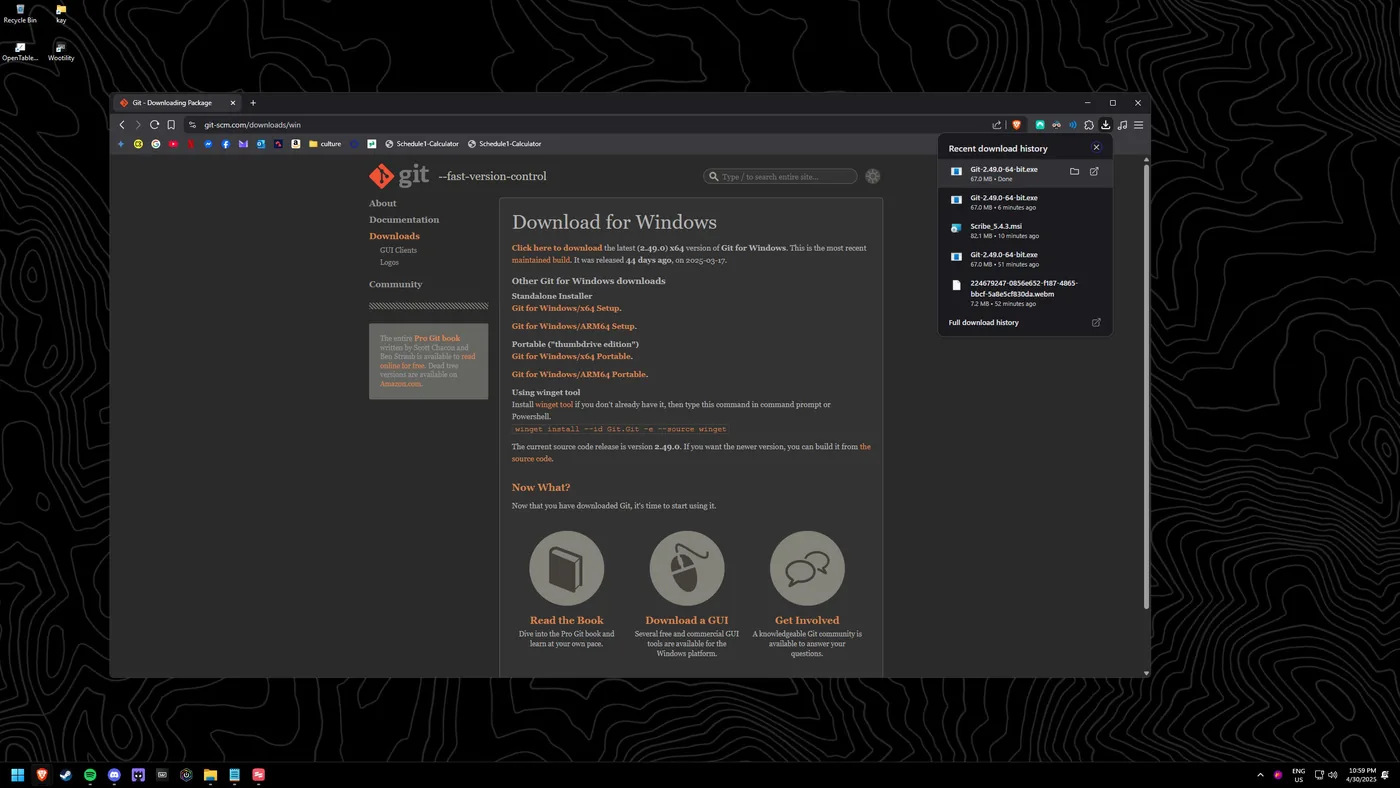
Run the installer
Run the downloaded installer.
Approve and install
When prompted for admin approval, select "Yes", then proceed through the installer using the default settings.