Using Display Driver Uninstaller (DDU)
Display Driver Uninstaller (DDU) completely removes existing graphics drivers, including the leftover files a normal uninstall leaves behind. It's the right tool before a clean driver install or when troubleshooting stubborn driver issues.
Warning: For DDU to clean everything properly, boot into Safe Mode first - follow my How to Boot into Safe Mode guide.
Open my Drive folder
Go to my GPU Driver Optimizations and Debloat folder on my Drive.
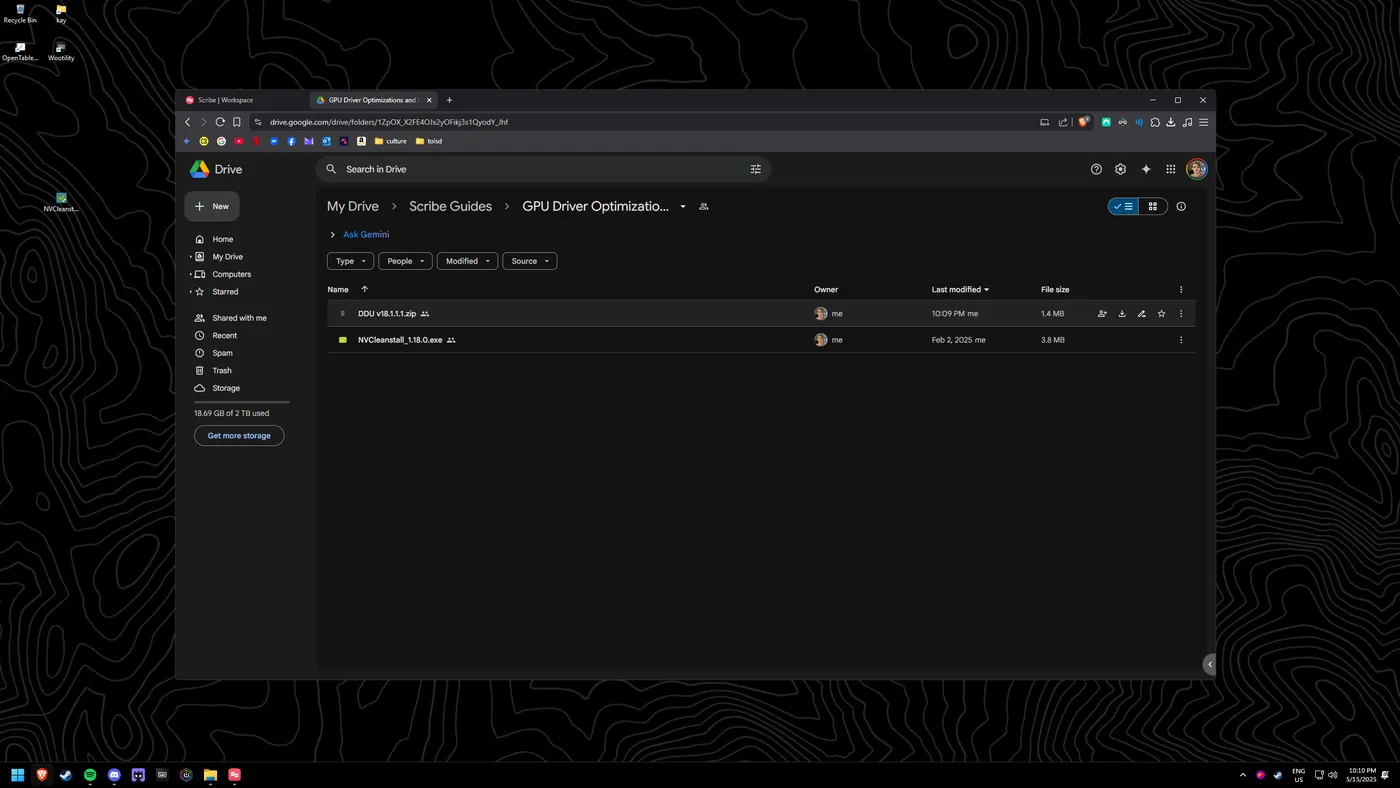
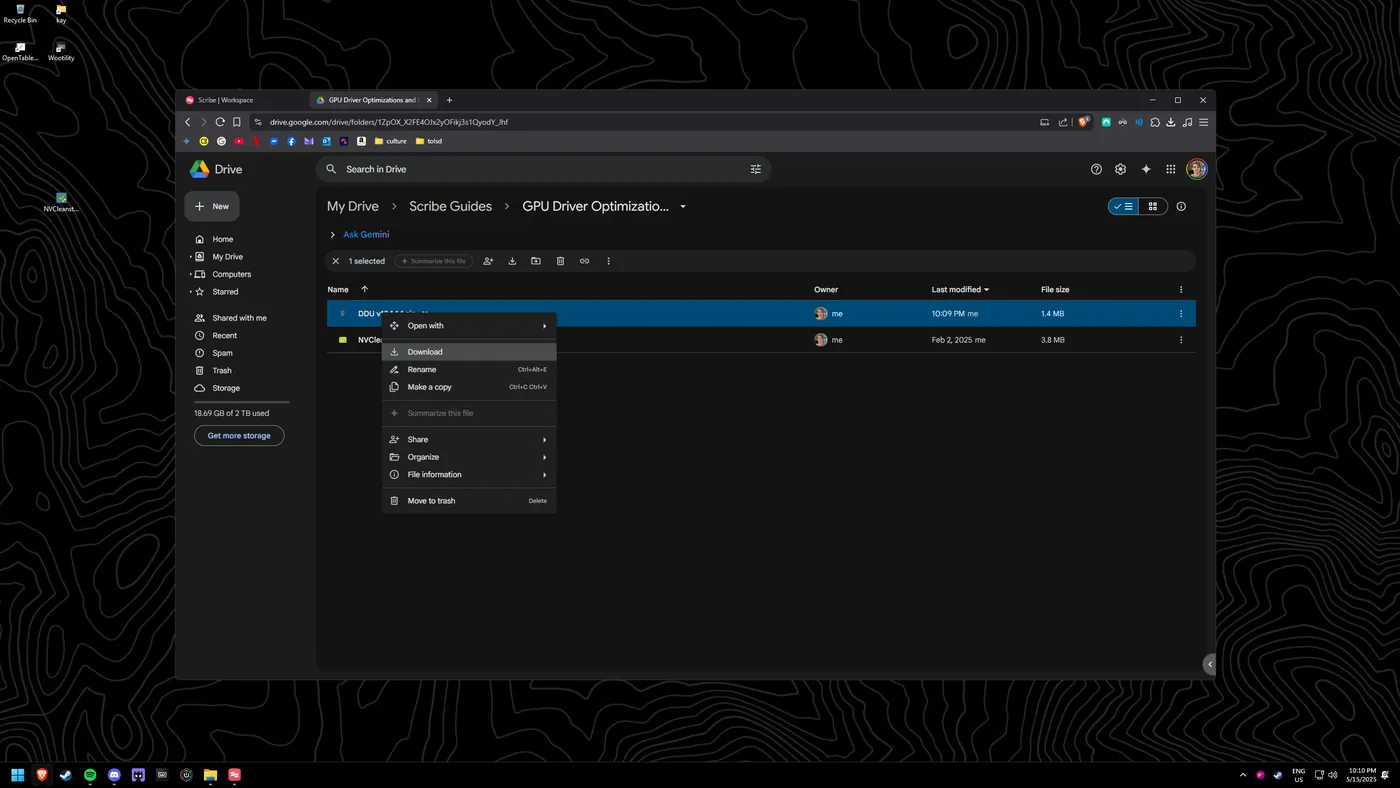
Download DDU
Right-click and download the zip file labelled "DDU vx.xxxx".
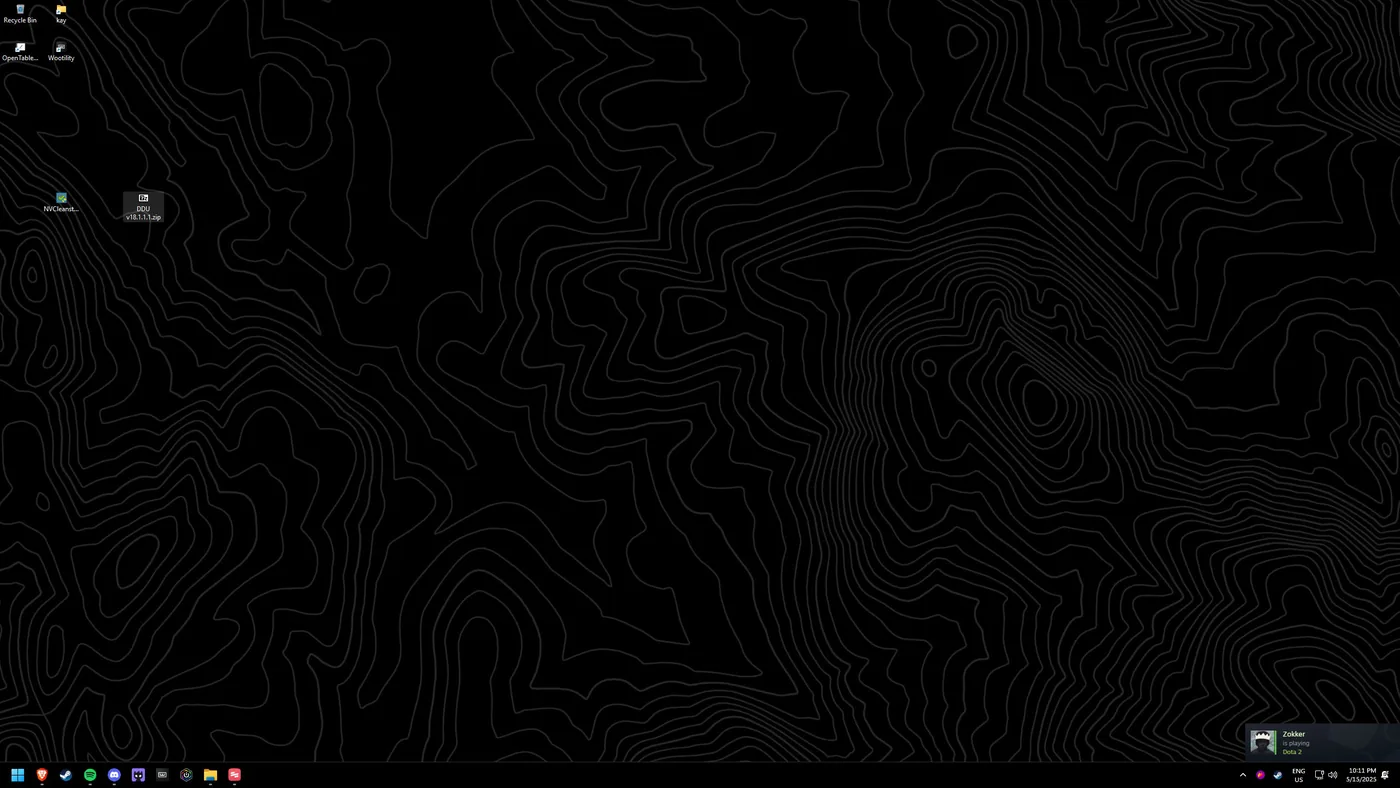
Move it to your desktop
Put the .zip on your desktop for ease.
Open the archive
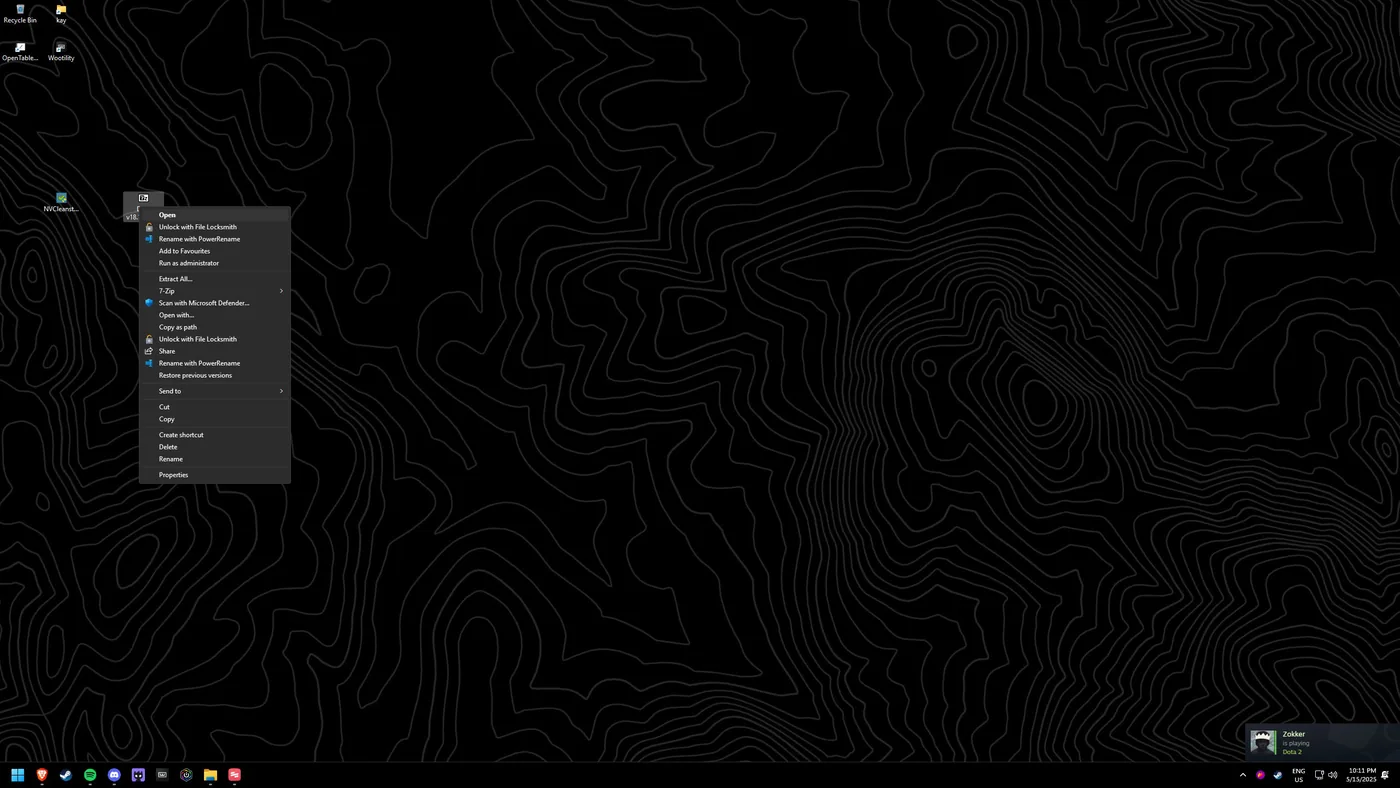
Right-click the .zip and select "Open".
Extract the folder
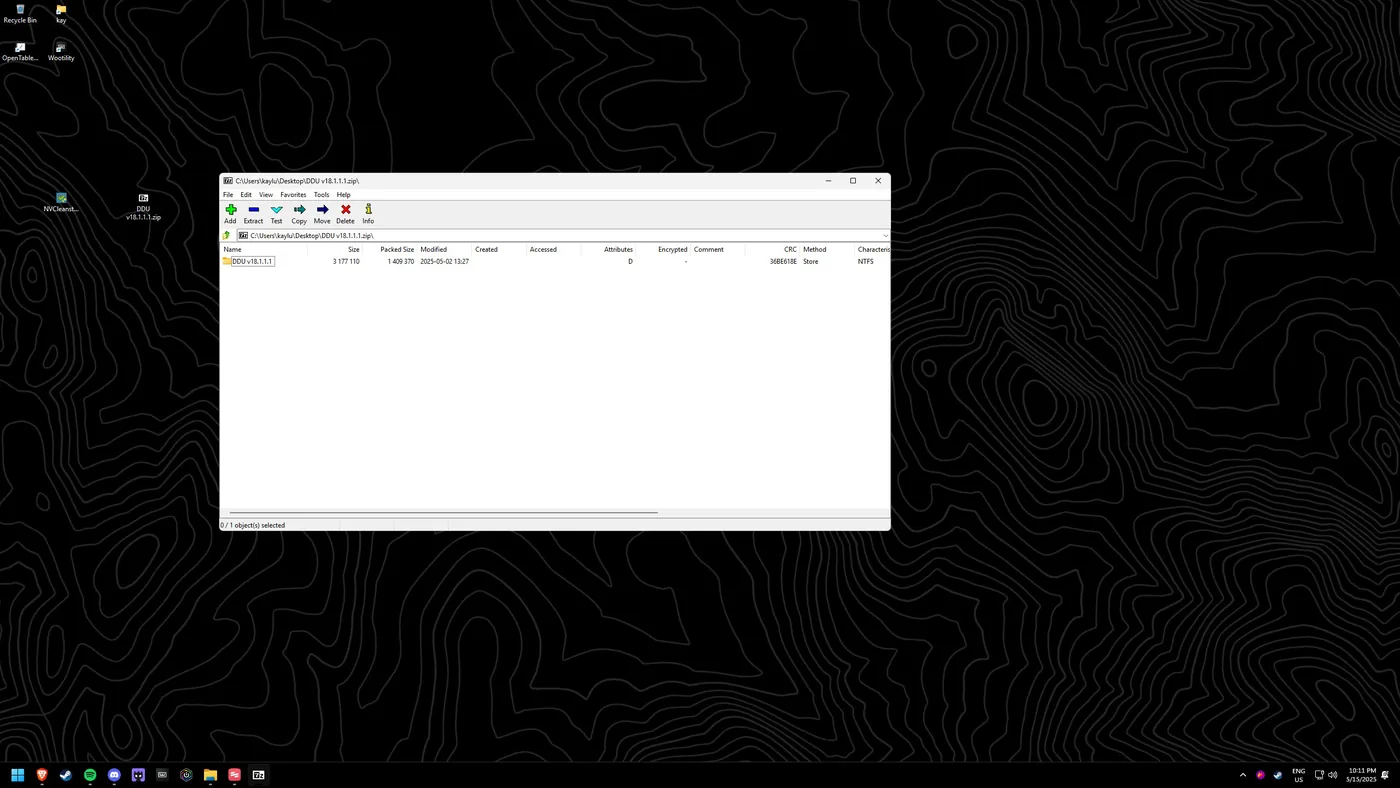
Drag the folder inside the .zip onto your desktop.
Close the archive
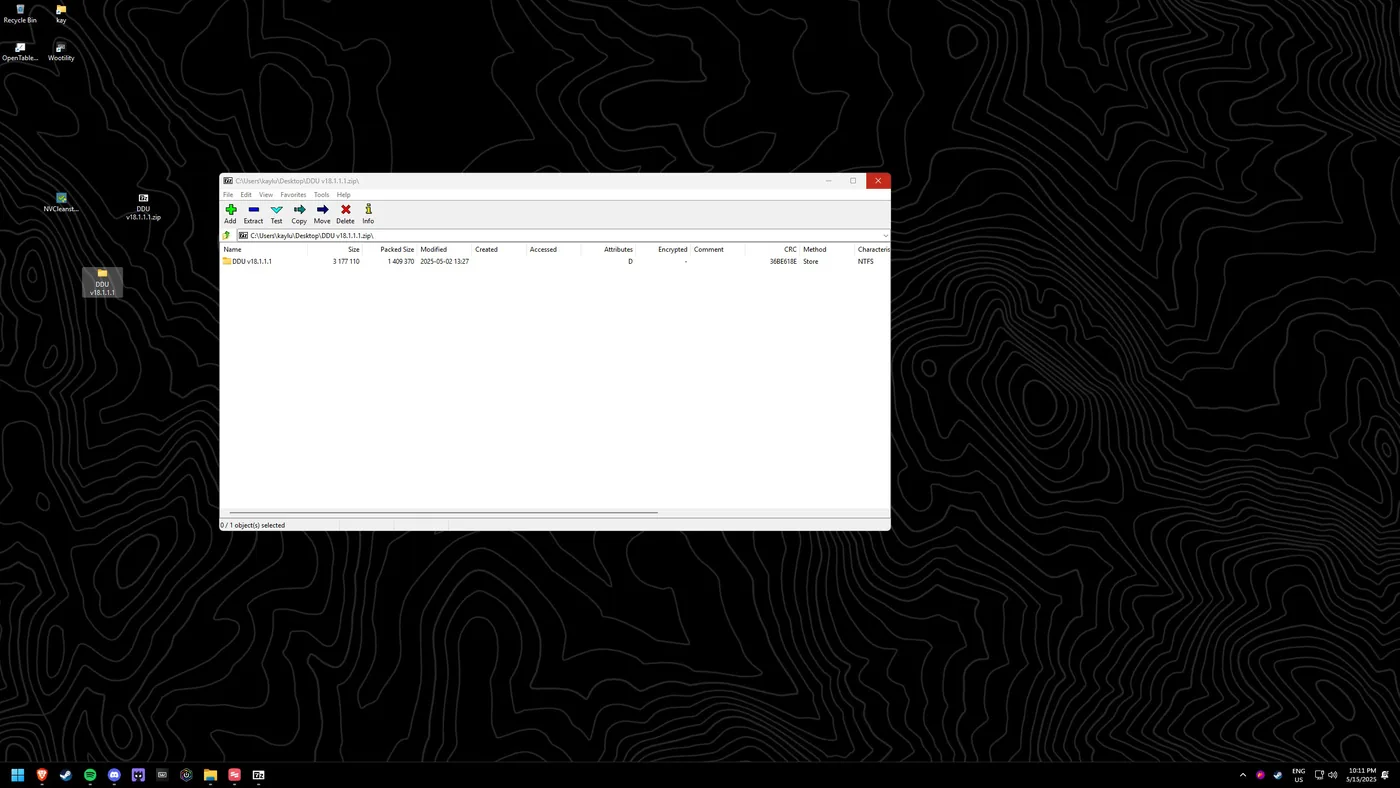
You can now close the .zip.
Run DDU
Open the extracted folder (e.g. "DDU v18.1.1.1") and run DDU. Choose your GPU vendor, then "Clean and restart".